
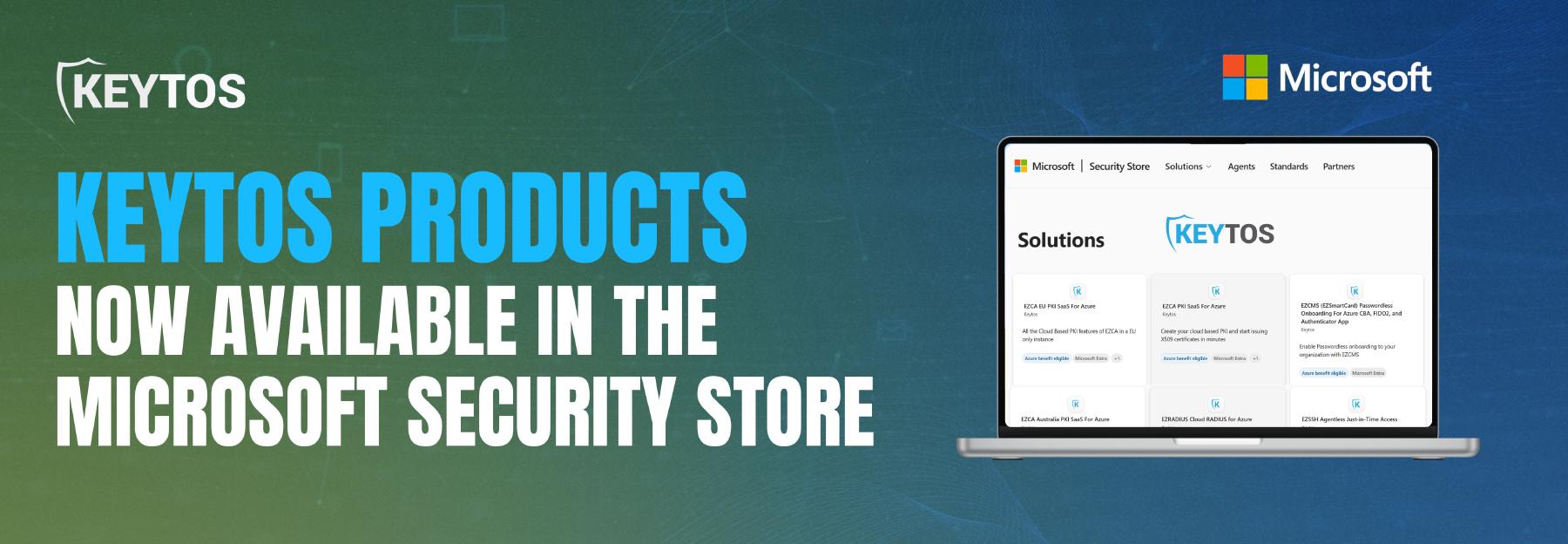
Keytos Products Now Available in the Microsoft Security Store
 Keytos Team |
Easily Discover and Deploy the Entire Keytos Product Suite
When Keytos began its journey to revolutionize the identity management and PKI industry, out mission was clear: to provide organizations with seamless, secure, and user-friendly tools that allowed them to go passwordless by making security transparent to the user. Today, we’re making it even easier to discover and deploy our solutions via the Microsoft Security Store. Simply click-to-create any Keytos product directly from the Microsoft Security Store in seconds and integrate it with your existing Microsoft technologies.
🚀 Explore Keytos Products in the Microsoft Security StoreWhat is the Microsoft Security Store?
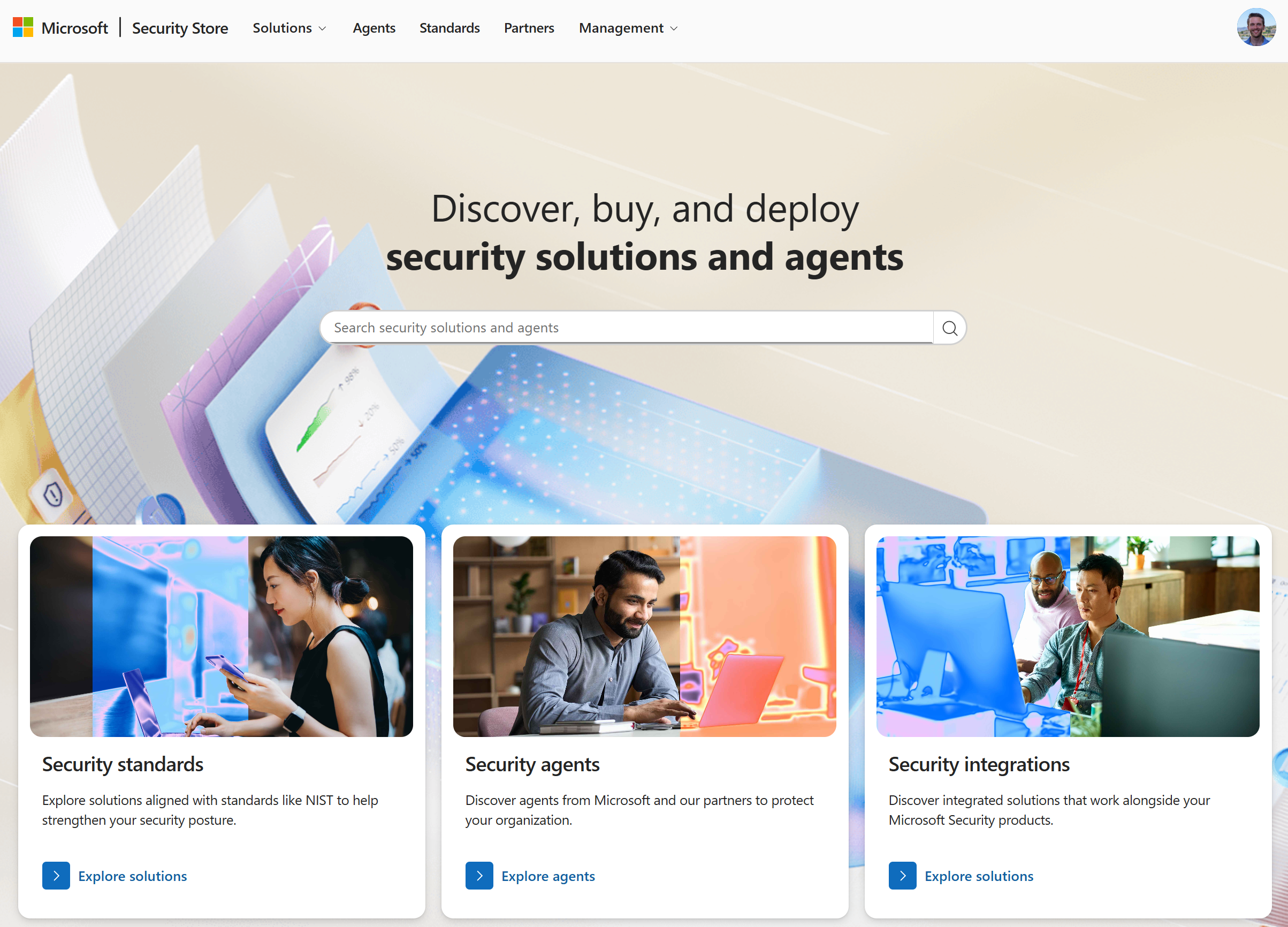
The Microsoft Security Store is a security-optimized storefront that enables organizations to find, buy, and deploy Microsoft and partner-built security solutions and agents. These solutions, such as those offered by Keytos, integrate directly with Microsoft Security products such as Microsoft Entra ID and Microsoft Intune to enhance an organization’s security posture.
Who Can List Their Products in the Microsoft Security Store?
The Microsoft Security Store carefully verifies and vets all security solutions listed in the store to ensure they meet Microsoft’s high standards for security, reliability, and performance. To be eligible for listing, security solutions must first onboard to the Microsoft AI Cloud Partner Program. Once onboarded, partners can submit their security solutions for review and approval by the Microsoft Marketplace team. For inclusion in the Microsoft Security Store, solutions must meet specific integration requirements, such as integrating with Microsoft Entra ID, Microsoft Intune, Microsoft Defender, or other Microsoft security products.
Can I Trust the Keytos Products from the Microsoft Security Store?
Each of Keytos products meets or exceeds the requirements set by the Microsoft Marketplace and Microsoft Security Store, ensuring that organizations can trust and rely on our solutions to enhance their security posture. In addition to our inclusion in the Microsoft Security Store, Keytos also recently joined the Microsoft Intelligent Security Association (MISA), further demonstrating our commitment to delivering high-quality security solutions that integrate seamlessly with Microsoft technologies.
Why Should I Deploy Keytos Products from the Microsoft Security Store?
While Keytos products are available directly from Keytos and many organizations choose to deploy them that way, we understand that many organizations prefer to centrally manage their software procurement and deployment through Microsoft. There are a few key benefits to deploying Keytos products from the Microsoft Security Store:
- Centralized Billing: Keytos products purchased through the Microsoft Security Store are billed directly through your existing Azure billing account, allowing you to see all your Microsoft and partner security solutions in one place.
- Simplified Procurement: If you’ve already established a relationship with Microsoft for purchasing software, acquiring Keytos products through the Microsoft Security Store streamlines the procurement process so you don’t have to manage a new vendor relationship.
- MACC Eligible: Keytos products purchased through the Microsoft Security Store are eligible for Microsoft Azure Consumption Commitment (MACC) credits, allowing you to maximize the value of your existing Azure consumption commitments.
- No Additional Fees or Costs: There are no additional fees or costs associated with purchasing Keytos products through the Microsoft Security Store compared to purchasing directly from Keytos. Whether you choose to buy from Keytos or the Microsoft Security Store, you’ll receive the same great product and support.
Learn more about the benefits of purchasing from the Microsoft Security Store.
What Keytos Products are Available in the Microsoft Security Store?
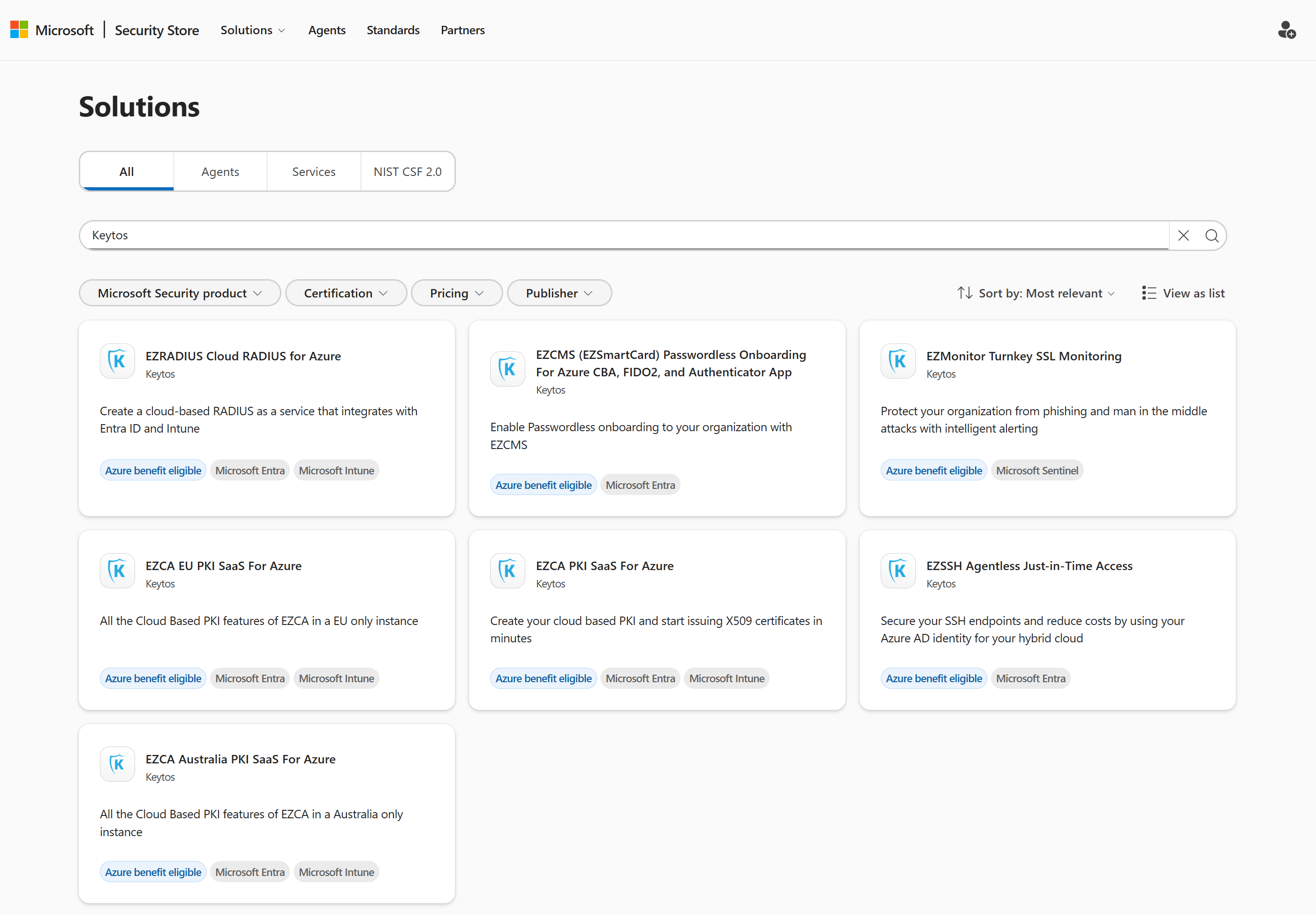
Starting today, you can deploy each and every Keytos product directly from the Microsoft Security Store. These include:
- EZCA - Cloud PKI: Want to easily issue 802.1X certificates? EZCA is a cloud-native certificate authority (CA) that allows organizations to easily create and manage their own private PKI infrastructure without the complexity and cost of traditional PKI solutions such as ADCS.
- European Union (EU) Instance of EZCA for organizations that need to comply with EU data residency requirements.
- Australian (AU) Instance of EZCA for organizations that need to comply with Australian data residency requirements.
- EZRADIUS - Cloud RADIUS: Looking for a passwordless network access solution for your enterprise Wi-Fi, VPN, or wired network? EZRADIUS is a cloud-based RADIUS service that integrates with Microsoft Entra ID to provide secure network access and authentication for users and devices without the need for on-premises infrastructure like NPS.
- EU, AU, and other regional instances of EZRADIUS are available as part of this offer for organizations with data residency requirements.
- EZSSH - Agentless JIT Access: Struggling to securely manage SSH access to your Linux servers and GitHub repositories? EZSSH is an agentless Just-In-Time (JIT) access solution that integrates with Microsoft Entra ID to provide secure, temporary SSH access to Linux servers and GitHub repositories without the need for managing SSH keys.
- EZCMS - Passwordless Onboarding: Want to simplify and secure the onboarding and management of FIDO2 security keys and certificate-based authentication? EZCMS is a cloud-based credential management system that integrates with Microsoft Entra ID to provide passwordless onboarding for FIDO2 security keys and Entra CBA.
- EZMonitor - SSL Monitoring: How secure are your SSL certificates? How many subdomains do you have? EZMonitor is a cloud-based SSL monitoring solution that helps organizations track and manage their SSL certificates and subdomains, ensuring they remain secure and compliant.
How Do I Get Started with Keytos Products in the Microsoft Security Store?
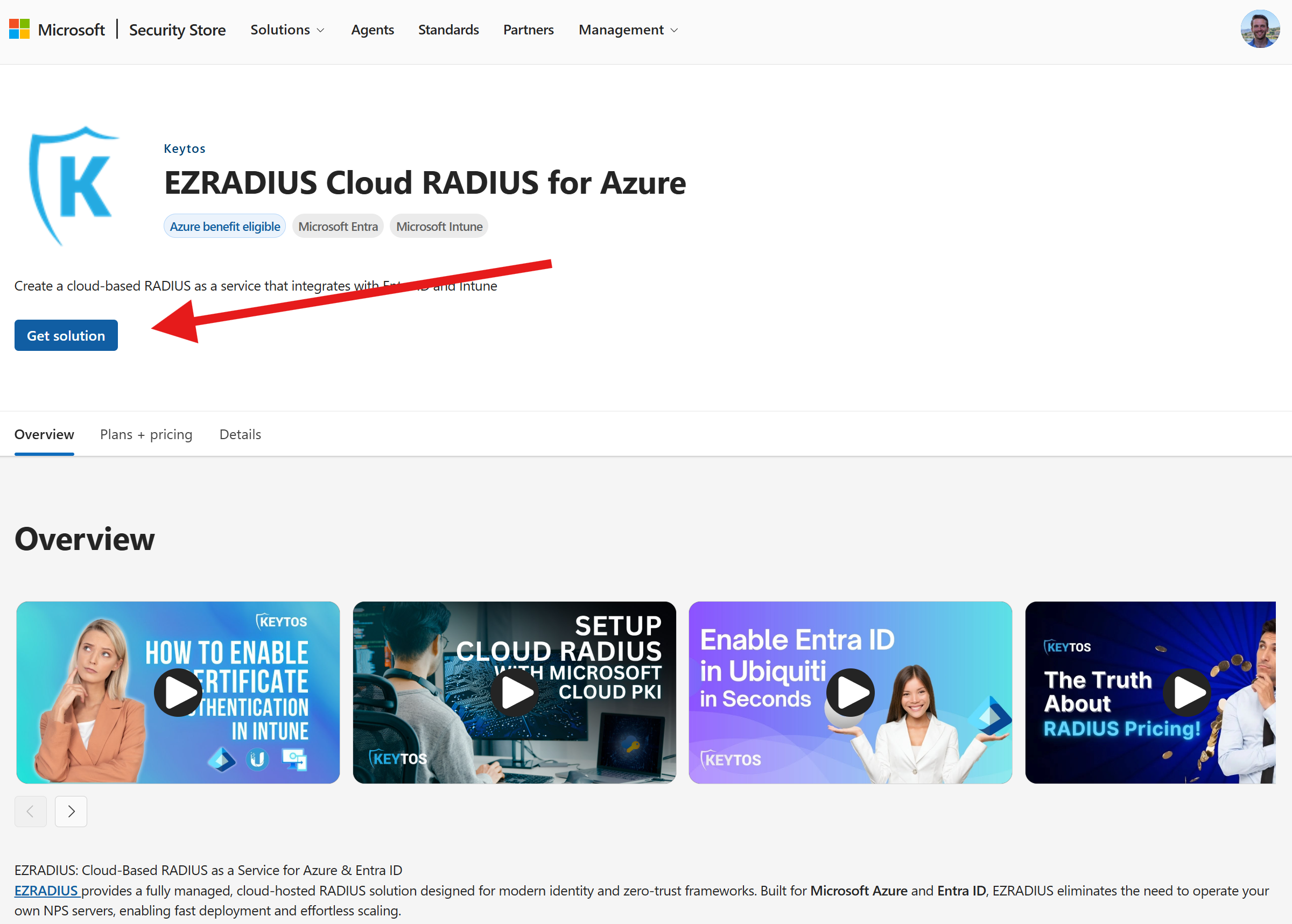
It’s easy to deploy your first Keytos product from the Microsoft Security Store. Simply find the Keytos product you want to deploy, click “Get solution”, and follow the prompts to configure and deploy the product in your Microsoft environment. Each product comes with detailed documentation and support to help you get up and running quickly.
Strengthen Your Security Posture with Keytos
Are you ready to enhance your organization’s security and embrace passwordless authentication? By leveraging Keytos solutions in conjunction with Microsoft technologies via the Microsoft Security Store, you can significantly reduce the risk of cyber threats while improving user experience. Visit keytos.io to learn more about our products and how they integrate with Microsoft security solutions.