

CloudWatcher is now Open Source!
 Keytos Team |
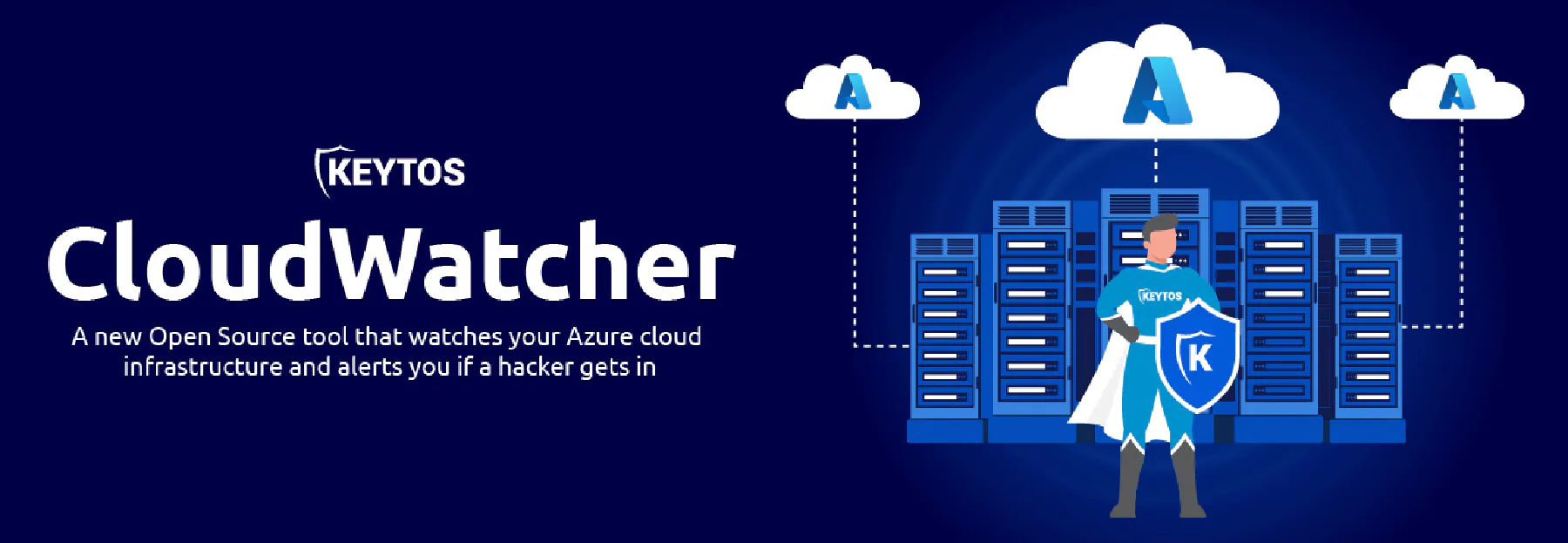
You secure your Azure instance following best practices, but do you ever lie awake at night wondering if someone changed your Azure resources and added a backdoor? We did! Following Microsoft’s assume breach mindset, we could not feel comfortable with the current monitoring solutions for Azure. This is why we created CloudWatcher! CloudWatcher, as the name might imply, is a solution that watches your cloud resources for changes and alerts you if there is any change.
How It Works
CloudWatcher is a PowerShell designed to run using the RunAs account in an Azure Automation Account. It leverages the Azure PowerShell modules to scan your resources and compare them to a baseline. If the current state of the resources does not match the baseline it will fail the run.
CloudWatcher has two modes, “setup” and “monitoring”. Setup mode will scan the subscriptions the service principal has access to and will save a baseline into a blob storage. Monitoring mode will download the baseline from blob storage and scan the subscription to find any changes to the subscription’s RBAC or resources.
Defcon Coverage
Blue Team Village
Cloud Village
Why Do We Need CloudWatcher?
After many years of protecting Azure resources, we have found that hackers have sneaky ways of hiding backdoors into Azure deployments. So we have created a tool to help catch some of the most common ones and made it open source so other people can add more detections that.
Common Attack Vectors
- - Add an extra member to a group: This is a great technique to add an identity to a resource, since most people do not periodically check the group’s membership so adding an identity to an engineering security group can give you undetected access to many resources.
- - Add a Classic Administrator to Azure subscription: Many people are not familiar with classic administrators, and by Azure moving them to a hidden tab inside the subscriptions IAM, it is easy to get admin access while being undetected.
- - Adding a Service Principal as contributor to subscription: As a pen tester, this was one of my favorite ones, you create a service principal called deployer, give it Contributor access and no one will touch it. NO ONE WANTS TO BE THE PERSON THAT BREAKS DEPLOYMENTS!
- - Add More Permissions to AKV Access Polices: This can break the security you get by separation of duties, if you have an application that can only certain things to a secret and it gets compromised and more access is given, it can cause a major security event.
- - Adding IP Addresses to Firewall rules: While Azure Security Center will alert you if your management ports are opened to the internet, a sneaky attacker can add only a handful of IP addresses, escaping detection, while being lost in the many IP ranges most companies have.
What Does CloudWatcher Scan?
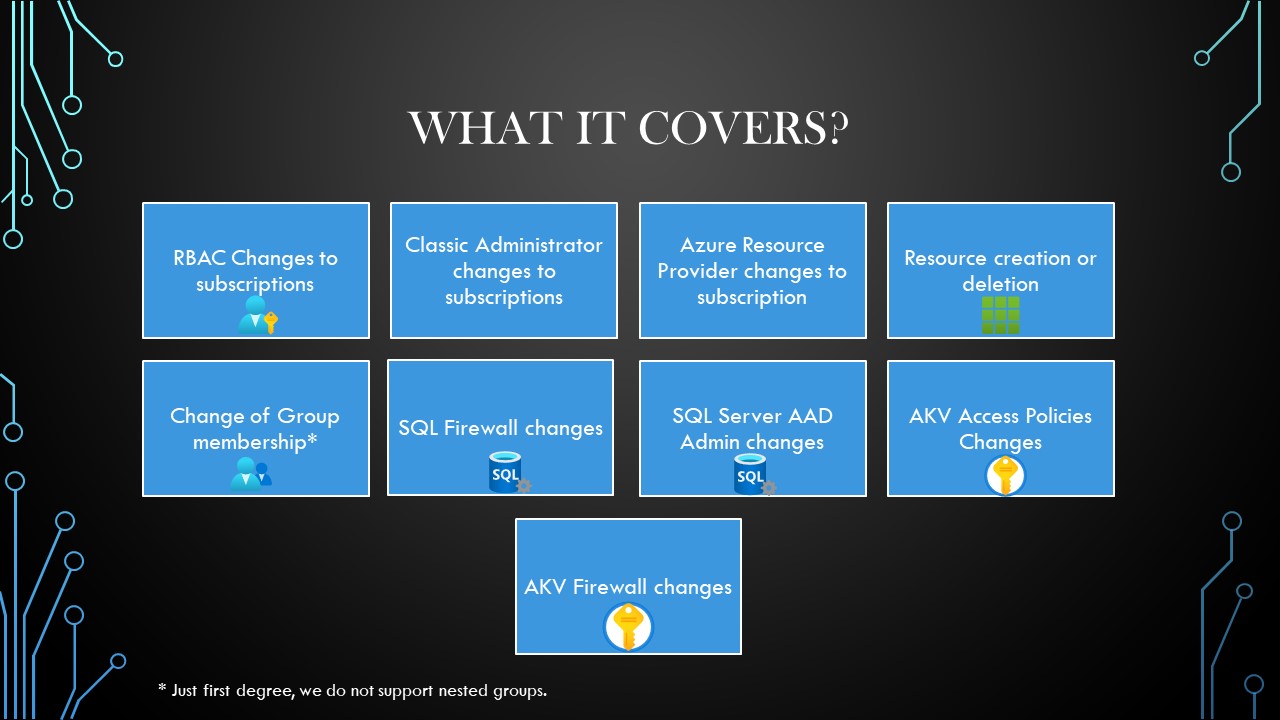
-
RBAC Changes: If an identity is added or removed in the RBAC of the subscription.
-
Changes in Classic Administrators: If a Classic Administrator is added or removed.
-
Azure Resource Providers Changes: If an Azure Resource Provider is added or removed from the subscription.
-
Resource Creation/Deletion: If resources are created or deleted.
-
Change of Group Membership: When scanning the subscription, CloudWatcher will keep a list of the groups that have access to the subscription and will scan those groups for changes in membership (It will not scan nested groups).
-
SQL Firewall Changes: If a change in the SQL firewall is detected (Ip Address Added or Removed).
-
SQL Server AAD Admin Changes: This checks the status of the AAD Admin of the SQL Server, if the server has an admin it makes sure that the admin hasn’t changed and also checks if the AAD identities requirement is checked or not.
-
AKV Access Policy Changes: Checks if the access rights of an access policy have changed (added permissions for example an existing identity gets the “delete” permission). It also detects additions or deletions of access policies.
-
AKV Firewall changes: If a change in the AKV firewall is detected (Ip Address Added or Removed).
How We Set It Up
At Keytos we wanted to ensure the security of our CloudWatcher deployment. To do this we use 3 different subscriptions, and they all point at each other with CloudWatchers.
To simplify it I am just going to show one of the CloudWatchers in the diagram.
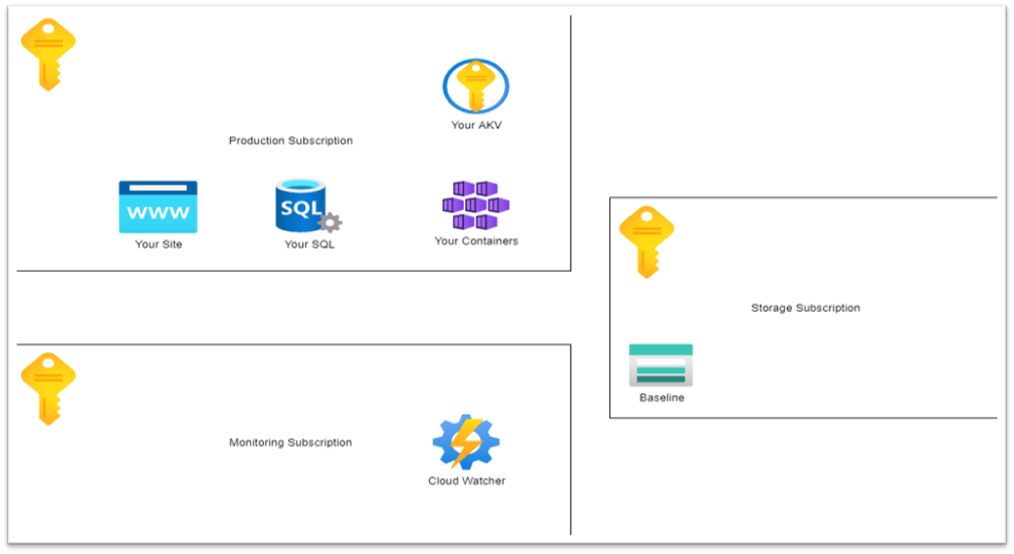
The Idea is that you have the subscription that you want to monitor (Subscription A). Then in a different subscription (Subscription B) that ideally does not share any of the same administrator identities with the subscription you want to monitor, you create the CloudWatcher Automation Account. Then in another Subscription (Subscription C) (At Keytos we do it in another Tenant) you have a storage account with the baseline. The token given to the CloudWatcher in Subscription B only has read access to the baseline blob, meaning that a compromise of that account does not allow to make changes to the baseline.
Setup Instructions
The Repo’s README has detail instructions on how to set up CloudWatcher in your Azure instance.