






How Wi-Fi Certificate Authentication Works
 Keytos Team |
- Updated: May 25, 2026
Keytos Team |
- Updated: May 25, 2026Why Should I Use Wi-Fi Certificate Authentication?
In today’s fast-paced digital age, securing wireless networks is important. The use of a shared password is no longer sufficient to protect sensitive information and prevent unauthorized access (yes users can get the password you pushed to their device with a bit of powershell). The best solution to secure your network is to implement Wi-Fi certificate authentication, and before you ask, no, you do not need to be a PKI expert to implement Wi-Fi certificate authentication, and in fact, with the right tools, you can have it up and running in minutes. Certificate authentication gets a bad reputation for being complex and difficult to manage, but that is because in the early 2000s, when certificate authentication was first introduced, the tools were not user-friendly making secure Wi-Fi only accessible to large enterprises with dedicated IT teams. In this blog we will break down how Wi-Fi certificate authentication works, and how you can easily implement it in your organization to secure your network and provide a better user experience.
Why Do I Need Wi-Fi Certificate Authentication
While with MDMs you can push a shared password to all of your devices, this is not a secure solution. If the password is compromised, then all of your devices are at risk. Wi-Fi certificate authentication provides a much more secure solution by issuing a unique certificate to each device, which is used to authenticate the device to the network. This means that if a certificate is compromised, only that device is at risk, and not the entire network. Additionally, Wi-Fi certificate authentication provides a better user experience by eliminating the need for users to remember and enter a password, and as IT professionals we know that each time we remove the need for users to do something, our life gets exponentially better, so if nothing else, Wi-Fi certificate authentication is worth it just for the improved user experience alone.
Does the User Need to Do Anything if Using Wi-Fi Certificates?
No, end users do not need to do anything when you are using Wi-Fi certificate authentication. In fact, if it is properly implemented, users will not even know that they are using certificates to authenticate to the Wi-Fi network; they will simply open their device and the Wifi will automagically connect without them having to do anything. This is because the certificate is installed on the device by an MDM solution and is used to authenticate the device to the network without any user interaction.
How Does Wi-Fi Certificate Authentication Actually Work?
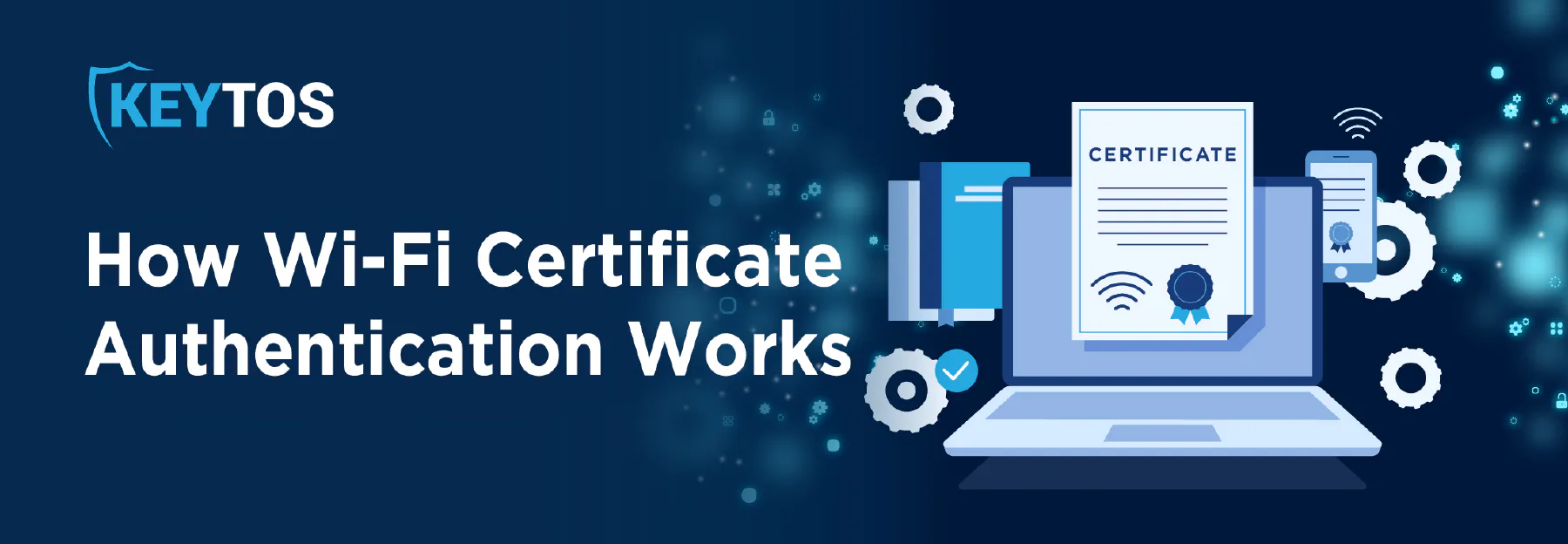
Think of a certificate as a digital ID badge. This badge has all the information about the device, such as its name, device ID, and it is issued by a Trusted Certificate Authority that your RADIUS server trusts. When a device tries to connect to the Wi-Fi network, it presents its certificate to the RADIUS server as proof of identity. The RADIUS server then checks the certificate against a list of trusted CAs and verifies that it is valid and has not been revoked. If the certificate is valid, the RADIUS server grants access to the network. If the certificate is invalid, has been revoked, (or you are using an advanced cloud RADIUS it might have advanced checks such as Intune device compliance checks) the RADIUS server denies access.
The whole exchange takes milliseconds and requires zero interaction from the user.
Can I Use A Public CA for Wi-Fi Certificate Authentication?
The next question people ask is usually, can I use a public CA Certificate Such as GoDaddy for Wi-Fi authentication? The answer is no, you cannot use a public CA certificate for Wi-Fi authentication, my favorite analogy for this is think of public vs private CAs as your drivers license (Public Certificates) vs your work badge (Private Certificates), for anything internal to your organization, you will use your private CA. Don’t worry running your own CA is no longer the pain that it used to be, in the vide below I will show how you can setup EZCA to issue certificates for your Intune managed devices in less than 5 minutes.
How Do I Distribute Certificates to My Devices?
The easiest way to distribute certificates to your devices is through an MDM solution such as Intune. MDM solutions provide a centralized platform for managing and distributing certificates to devices, making the process much easier and more efficient. Most MDM solutions (except Ninja One) have built SCEP support, which allows them to automatically enroll devices for certificates with just a URL and a shared secret between the MDM and the CA. This means that once you create your CA and get your SCEP URL and shared secret, you can simply input that information into your MDM solution and it will take care of the rest, automatically enrolling devices for certificates and distributing them to the devices without any user interaction.
Will My Devices Automatically Rotate the Wi-Fi Certificates Before They Expire?
Yes, if you are using an MDM solution to distribute certificates to your devices, then the MDM will automatically rotate the Wi-Fi certificates before they expire. It is usually configurable but the default is to rotate the certificates when they still have 20% of their validity period left, so if you have a certificate that is valid for 1 year, the MDM will automatically rotate the certificate when it has 2.4 months left before it expires. This ensures that your devices always have valid certificates and can continue to authenticate to the Wi-Fi network without any interruption.
Do I Need a RADIUS Server for Wi-Fi Certificate Authentication?
Yes, in most scenarios (unless you are already paying for networking gear with integrated RADIUS support such as Cisco ISE) you will need a RADIUS server to use Wi-Fi certificate authentication. RADIUS servers are responsible for authenticating devices to the network and enforcing access policies based on the information contained in the certificates. They act as intermediaries between the devices and the authentication system, ensuring that only devices with valid certificates can access the network. If you like pain, you can run your own RADIUS server such as NPS. but if you are looking for a more modern and user-friendly solution, then a cloud RADIUS service such as EZRADIUS is the way to go. Cloud RADIUS services provide all the features of a traditional RADIUS server without the need for on-premises infrastructure, making it easier to set up and manage Wi-Fi certificate authentication for your organization.
What RADIUS Protocol is The One that Uses Certificates for Wifi-Authentication
The RADIUS protocol that uses certificates for Wi-Fi authentication is called EAP-TLS (Extensible Authentication Protocol - Transport Layer Security). EAP-TLS is a widely used authentication method that relies on digital certificates to authenticate devices to the network. It provides strong security by using mutual authentication, where both the client and the server verify each other’s identities using their respective certificates. This makes EAP-TLS an ideal choice for Wi-Fi certificate authentication, as it ensures that only devices with valid certificates can access the network, while also providing a secure and seamless user experience.
Can I Implement Network Access Control with Wi-Fi Certificate Authentication?
Yes, you can implement Network Access Control (NAC) with Wi-Fi certificate authentication. NAC is a security solution that enforces access policies based on the identity and health of devices attempting to connect to the network. With Wi-Fi certificate authentication, you can use the information contained in the certificates, such as device type, user role, or compliance status, to create granular access policies that determine what resources a device can access once authenticated. For example, you can configure your RADIUS server to allow only compliant devices with valid certificates to access sensitive resources, while restricting access for non-compliant devices. This integration of NAC with Wi-Fi certificate authentication enhances network security by ensuring that only authorized and compliant devices can access critical resources on the network.
Effective Certificate Revocation Techniques
The cancellation of certificates is a crucial component of Wi-Fi certificate authentication. Most RADIUS servers will check the revocation status of a certificate during the authentication process to ensure that it is still valid and has not been revoked. You just have to make sure that either your MDM will automatically revoke the certificate on the CA when a device is retired or lost, or you can manually revoke the certificate through your CA management console. More advanced RADIUS solutions can also query realtime your Identity provider to ensure that the user or device is still active and compliant before granting access to the network, providing an additional layer of security to your Wi-Fi authentication process.
What Are the Advantages of Passwordless Wi-Fi Certificate Authentication?
Employing certificate authentication offers many advantages over traditional password-based authentication methods, such as automatic authentication, automatic user and device lifecycle, and last but not least, enhanced security. If you want to learn more about the advantages of passwordless Wi-Fi certificate authentication, you can book a call with one of our PKI experts to learn how you can implement passwordless Wi-Fi certificate authentication in your organization and take your network security to the next level.