

Announcing Keytos Connect - A Simple & Secure Way to Connect BYOD and Personal Devices to Enterprise & Campus Networks
 Keytos Team |
The Challenge of Connecting BYOD and Personal Devices to Enterprise Networks
When setting up Wi-Fi in your workplace or school, you need to balance security with ease of use. You want to make sure that only authorized users and devices can connect to your network without a single shared password, but you also don’t want to overwhelm your IT department with an explosion of support tickets from users who are having trouble connecting their devices. This is especially true when it comes to BYOD (Bring Your Own Device) and personal devices, where your users may not want to have their workplace or school manage their devices through traditional MDM (Mobile Device Management) solutions.
Introducing Keytos Connect: The Ultimate Solution for BYOD and Personal Device Connectivity
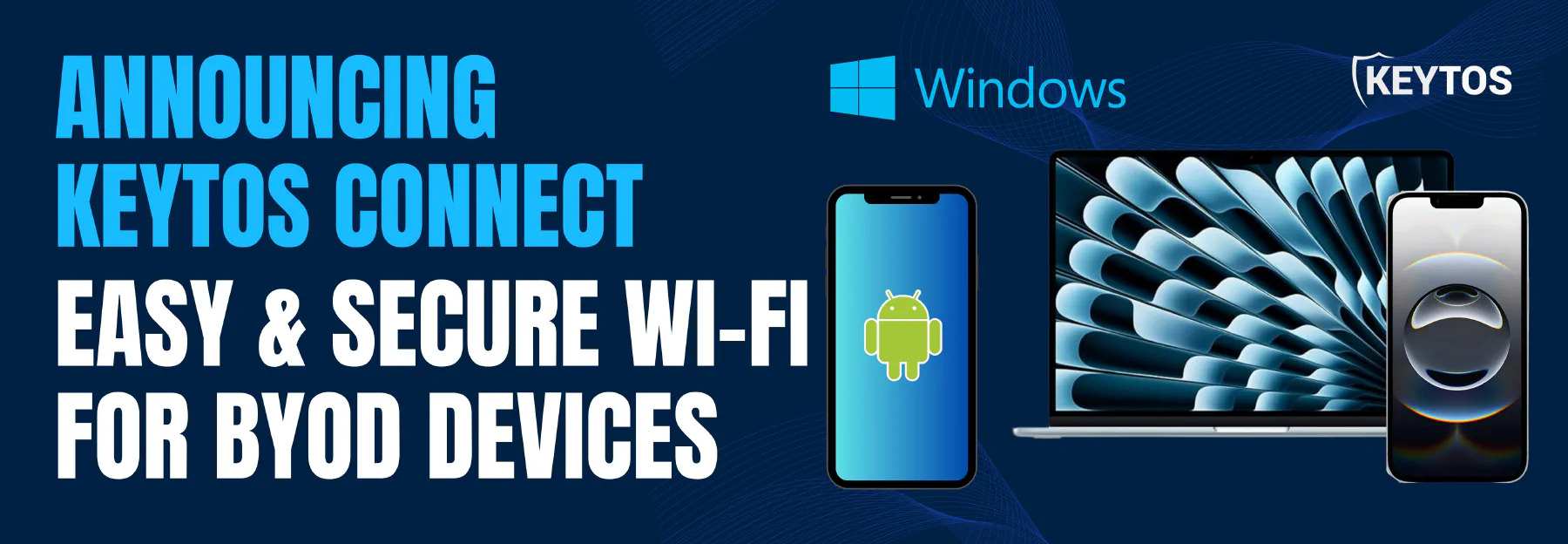
This is where Keytos Connect comes in. Keytos Connect is a new mobile and desktop application that gets users connected to your network in just a few taps, without the need for traditional MDM enrollment. With Keytos Connect, users can just download the app, sign in with their work or school email, and get connected to your network securely and seamlessly.
Download Keytos Connect For Your Device
Keytos Connect is available for download on the leading app stores for both mobile and desktop platforms.



Learn Why Keytos Connect is the Best Solution for BYOD and Personal Device Connectivity
Keytos Connect was built with simplicity and security in mind. Here are some of the key features that make Keytos Connect the ultimate solution for BYOD and personal device connectivity:
- Multi-OS Support: Keytos Connect supports a wide range of operating systems, including iOS, Android, Windows, and macOS, ensuring that all your users can connect regardless of their device choice.
- Seamless Onboarding: Users sign in with their existing work or school email, and Keytos Connect takes care of the rest, automatically configuring the necessary network settings for a secure connection.
- No MDM Required: Keytos Connect eliminates the need for traditional MDM enrollment, allowing users to connect their devices without giving IT full control over their personal devices.
- Automatic Certificate Management: Keytos Connect handles the entire certificate lifecycle, from issuance to renewal, ensuring that your devices always have valid certificates for secure network access without any user intervention.
- Strong Security: Leveraging the power of EAP-TLS authentication, Keytos Connect ensures that only authorized users and devices can access your network, providing robust security without the hassle of shared passwords.
- No Shared Passwords: With Keytos Connect, you can say goodbye to shared Wi-Fi passwords. Each user gets their own unique credentials, enhancing security and accountability on your network.
- No Added Cost: Keytos Connect is a free integration to your existing EZRADIUS subscription, so you can enable secure BYOD and personal device connectivity without adding any new licensing costs.
How to Get Started with Keytos Connect For BYOD and Personal Devices
It only takes a few minutes to get up and running with Keytos Connect. While this guide walks you through the entire setup process, here are the basic steps to get started:
- Start with your existing EZCA and EZRADIUS subscriptions. Keytos Connect is a free add-on which uses your existing EZCA for certificate management and your existing EZRADIUS for RADIUS authentication, so there’s no need to set up any new infrastructure.
- Create a self-service certificate policy which defines the Subject and SAN fields of the certificate that will be issued to your users. This policy will be used by Keytos Connect to issue certificates to your users for network authentication.
- Create a self-service Wi-Fi policy which defines the SSID and EAP settings that your users will connect to. This policy will be used by Keytos Connect to configure the Wi-Fi settings on your users’ devices.
- That’s it! Once you’ve set up your policies, your users can download the Keytos Connect app, sign in with their work or school email, and get connected to your network securely and seamlessly.
Frequently Asked Questions About Keytos Connect
To help you better understand Keytos Connect, here are some frequently asked questions about the product:
What Does Keytos Connect Do?
Keytos Connect is a mobile and desktop application that allows users to connect their BYOD and personal devices to enterprise and campus Wi-Fi networks securely and seamlessly, without the need for traditional MDM enrollment. It does this by automatically issuing x.509 certificates to users and configuring their devices for EAP-TLS authentication, eliminating the need for shared Wi-Fi passwords and providing a simple, secure, and user-friendly solution for network connectivity.
Who Is Keytos Connect For?
Keytos Connect is ideal for any organization that wants to enable secure BYOD and personal device connectivity without the hassle of traditional MDM solutions. This includes:
- Enterprises that want to provide secure Wi-Fi access to their employees’ personal devices without requiring MDM enrollment.
- Educational Institutions that want to allow students to connect their own devices to campus Wi-Fi securely and easily.
- Healthcare Organizations that want to enable secure connectivity for medical professionals using their own devices.
- Any Organization that wants to enhance their network security by eliminating shared Wi-Fi passwords and providing unique credentials for each user.
Can I Use Keytos Connect With Other MDM Solutions?
Yes! Keytos Connect is designed to work alongside your existing MDM solution, so you can continue to use your MDM for device management while leveraging Keytos Connect for secure network authentication. Keytos Connect focuses specifically on providing a seamless and secure solution for connecting BYOD and personal devices to your network, while your MDM can continue to handle corporate-owned device management tasks such as policy enforcement, app distribution, and remote wipe.
How Much Does Keytos Connect Cost?
Keytos Connect is a free integration to your existing EZRADIUS and EZCA subscriptions, so there are no additional licensing costs to enable Keytos Connect for your organization. You can simply use your existing configuration to provide secure BYOD and personal device connectivity without any added cost.
What Network Vendors and Devices Does Keytos Connect Support?
Keytos Connect works with any network infrastructure that supports RADIUS authentication. This includes all major network vendors such as Cisco, Aruba, Meraki, Ruckus, UniFi, and more. Check out our full list of supported network vendors and devices for step-by-step guides on how to set up RADIUS authentication with your specific network equipment.
What Operating Systems Does Keytos Connect Support?
Keytos Connect supports a wide range of operating systems, including:
- iOS (iPhone and iPad)
- Android (phones and tablets)
- Windows (laptops and desktops)
- macOS (laptops and desktops)
- Linux (laptops and desktops)
What Subscriptions Do I Need to Use Keytos Connect?
Keytos Connect requires an active subscription to both EZRADIUS and EZCA. Every tier of both subscriptions is compatible with Keytos Connect, so you can use your existing subscription to enable secure BYOD and personal device connectivity without any additional cost.
Can I Issue Certificates From 3rd-Party CAs with Keytos Connect?
Not at this time. Keytos Connect is currently designed to work exclusively with certificates issued from your EZCA subscription. This allows Keytos Connect to provide a seamless and integrated experience for certificate management and network authentication. Please reach out to our team if you have specific use cases or requirements around 3rd-party CAs, as we are always looking to expand our integrations based on customer feedback.
Can I Use Keytos Connect for Non-Wi-Fi Network Access?
Not at this time. Keytos Connect is currently focused on providing a seamless and secure solution for Wi-Fi network access. However, we are exploring additional use cases for Keytos Connect in the future. Reach out to our team if you have specific use cases or requirements around non-Wi-Fi network access, as we are always looking to expand our product offerings based on customer feedback.
Does Keytos Connect Support Entra ID Username + Password Authentication?
No. Since Microsoft is deprecating support for username and password authentication for Entra ID accounts, Keytos Connect does not support this authentication method. Instead, Keytos Connect leverages EAP-TLS authentication with x.509 certificates issued from your EZCA subscription to provide a secure and seamless solution for connecting BYOD and personal devices to your network without the need for shared passwords or traditional MDM enrollment.
For Entra ID users, we recommend moving towards certificate-based authentication or using our existing self-service Wi-Fi portal.