




Six Operating Systems, One App: How We Built Keytos Connect
 Aaron Crawfis |
Passwordless Wi-Fi Has Always Been Too Hard For Personal Devices
For enterprises running WPA Enterprise Wi-Fi, managed devices can connect seamlessly since Intune or another Mobile Device Management (MDM) solution takes care of issuing certificates, establishing CA trust, and pushing the Wi-Fi profile. This has more or less been a solved problem for years.
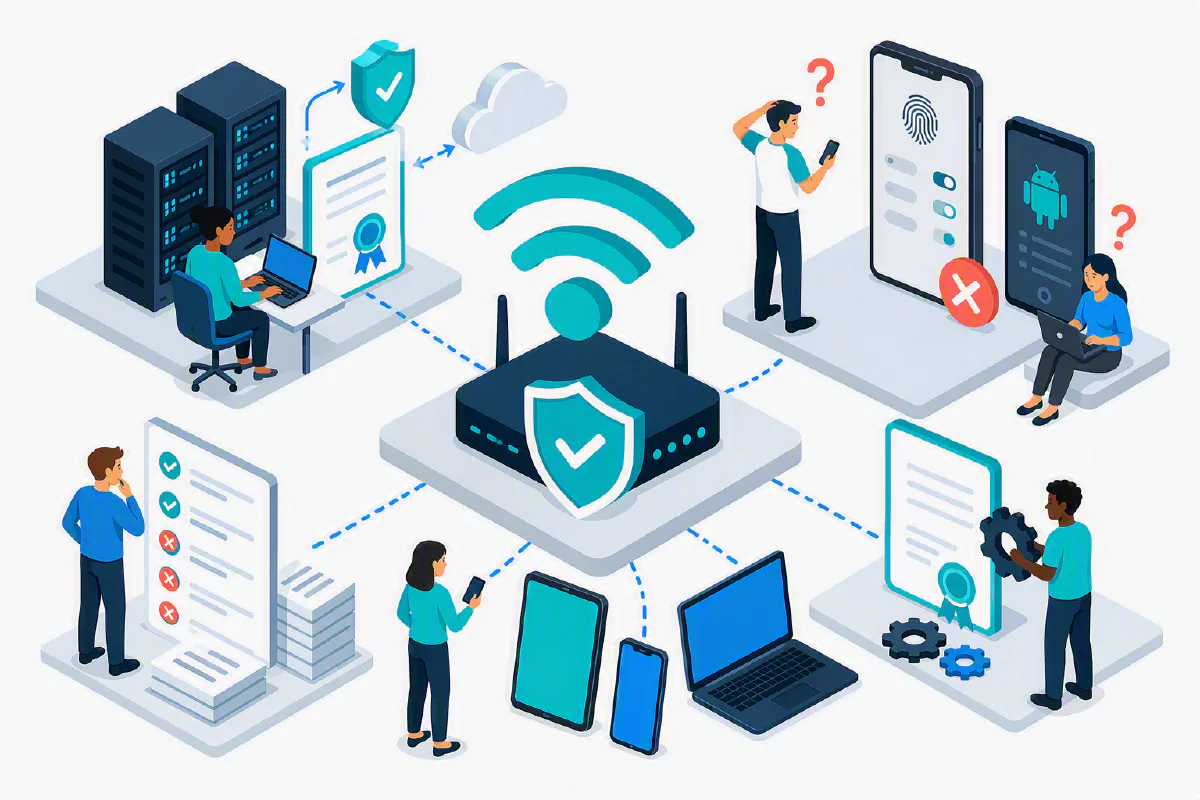
But for personal devices like iPhones, Android phones, and other devices your employees or students may bring to work or school, connecting to WPA Enterprise Wi-Fi has always been a pain. Users have to manually install a certificate, trust it, and then configure the Wi-Fi profile. It’s extremely error-prone, and the process is different for every operating system. This has led to a lot of frustration for users and IT teams alike. “What username and password do I use?” “Why won’t my device connect?” “Why is this so complicated?” are common questions we hear from our customers almost every day.
We figured there had to be a better way than .mobileconfig files, expensive MDM licenses, and multi-page guides.
Introducing Keytos Connect - A Mobile and Desktop App for Passwordless Wi-Fi
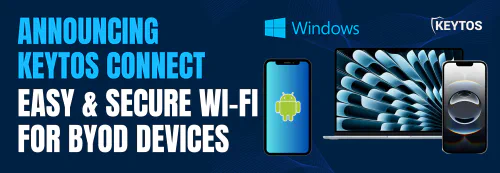
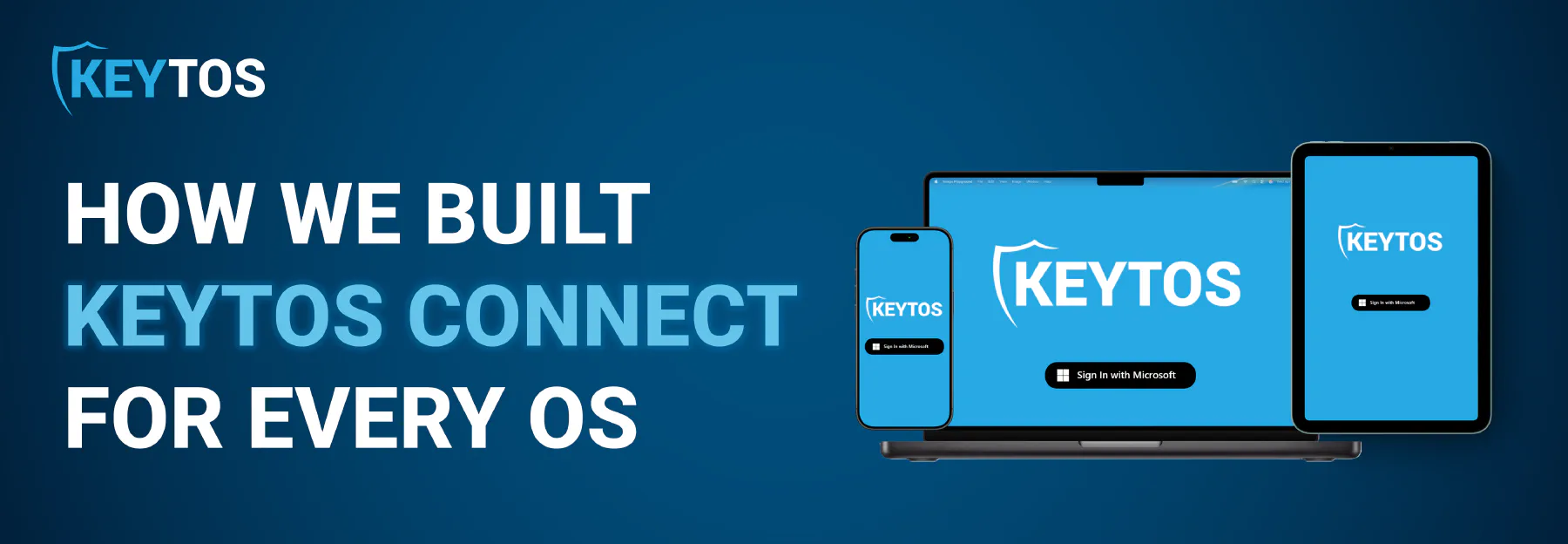
Keytos Connect is a new mobile and desktop app that simplifies the process of connecting personal devices to WPA Enterprise Wi-Fi. With Keytos Connect, users can connect to Wi-Fi with just a few taps or clicks, without needing to manually install certificates or configure profiles. The app handles all the complex steps behind the scenes, making it easy for anyone to get online securely.
Keytos Connect is available on all the most popular operating systems: Windows, macOS, iOS, Android, Linux, and Chrome OS. This means that no matter what device your employees or students are using, they can connect to WPA Enterprise Wi-Fi without any hassle.
Hear Straight From Our Team On How We Built Keytos Connect
In our latest episode of No Password Required, we sat down with a member of our engineering team to talk through how they tackled the problem of six different operating systems and six different ways of connecting to WPA Enterprise Wi-Fi. They share the challenges they faced, the solutions they came up with, and how they built Keytos Connect to make passwordless Wi-Fi a reality for personal devices.
How We Used Cross-Platform Tools and Frameworks to Build Keytos Connect
At the core of Keytos Connect is Avalonia, a cross-platform UI framework that allows us to write a .NET app once and run it on multiple operating systems. Avalonia provides a consistent look and feel across all platforms, while also giving us access to native APIs for each OS. This means we can take advantage of platform-specific features without having to write separate code for each one. (.NET also powers all of our cloud services, and upgrading them to .NET 10 was part of how we cut our Azure bill by 30%.)
Even with a common UI, each operating system has its own unique way of handling Wi-Fi connections, certificates, and profiles. To address this, we created a modular architecture that allows us to implement OS-specific logic in separate modules. This way, we can maintain a single codebase while still supporting the nuances of each platform. For example, on Windows we call Windows APIs to directly manage Wi-Fi profiles. On Android, we use the Wi-Fi Manager API to handle suggested Wi-Fi networks. On macOS we fallback to auto-generating a .mobileconfig file and prompting the user to install it (we’re working on a better solution for macOS in the future!). This modular approach allows us to easily add support for new operating systems or update existing ones without affecting the rest of the app.
How Can You Get Keytos Connect?
Keytos Connect is available across all major app stores and is a free add-on for Keytos customers. Check out our docs for more information on how to download and install the app on your device.
Download Keytos Connect