


Can I Use Passkeys for Wi-Fi Networks? A Look at EAP-FIDO
 Aaron Crawfis |
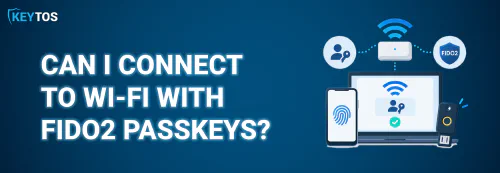
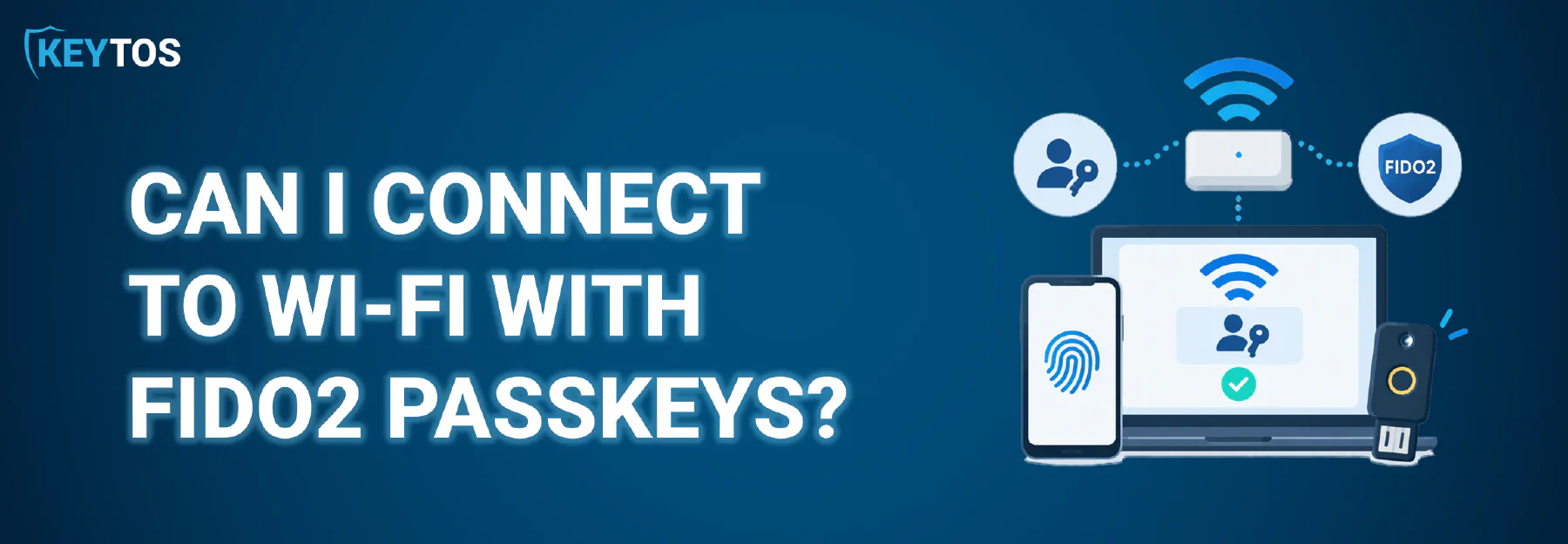
Your users already sign in to Entra ID with FIDO2 passkeys, so it’s a fair question: can I use passkeys for Wi-Fi networks too? The short answer is not yet. No major operating system ships a Wi-Fi supplicant that speaks FIDO2, and no standard exists for it today. But there is an IETF proposal called EAP-FIDO that aims to change that.
Let’s look at how WPA Enterprise works today, what EAP-FIDO proposes, and what you should do in the meantime.
How Does WPA Enterprise Wi-Fi Authentication Work?
WPA2/WPA3-Enterprise uses 802.1X to authenticate each user or device individually instead of handing everyone the same pre-shared key. There are three players:
- Client - The client device (Windows, macOS, iOS, Android) trying to join the network.
- Authenticator - The access point or switch your client connects to. It relays EAP messages between the client and the authentication server.
- Authentication server - The RADIUS server that actually verifies the credential and returns an Accept or Reject.
The client and RADIUS server talk using EAP (Extensible Authentication Protocol), which the access point tunnels inside RADIUS packets. Which EAP method you choose determines what credential gets checked:
- PEAP-MSCHAPv2 / EAP-TTLS - The client builds a TLS tunnel to the RADIUS server and sends a username and password inside it. This is phishable, it’s blocked by Credential Guard in Windows 11, and it keeps breaking after Windows updates.
- EAP-TLS - Both sides present certificates, and the client proves possession of its private key. No password ever crosses the wire. This is the right way to do Wi-Fi authentication today.
With EAP-TLS you also choose between device authentication (a machine certificate deployed by Intune, so the laptop connects before anyone signs in) and user authentication (a user certificate, so the RADIUS server knows who the user is on the network and can apply policy or VLAN assignment based on group).
A modern cloud RADIUS service can also check the device’s Intune compliance or the user’s Entra ID status on every connection, rather than just trusting that the certificate is valid. If you want the full packet-by-packet walkthrough, check out our post on how Wi-Fi authentication works.
But the question remains: since EAP-TLS requires a Certificate Authority (CA) and certificate management, is there a way to leverage the passkeys your users already have for Wi-Fi authentication? This is where EAP-FIDO comes into play, proposing a method to use FIDO2 credentials instead of traditional certificates or passwords.
What is EAP-FIDO? The Proposal for Passkey Wi-Fi Authentication
EAP-FIDO is an Internet-Draft in the IETF’s EAP Method Update (EMU) working group, written by Jan-Frederik Rieckers (DFN) and Stefan Winter (RESTENA), two research and education networks that operate eduroam. Its goal is to let a user authenticate to an 802.1X network with an existing FIDO2 credential instead of a password. You can read the latest revision (-01) in full, and RESTENA has a short write-up on the motivation.
Here’s how the draft proposes it works:
- Establish a TLS 1.3 tunnel first. EAP-FIDO reuses the EAP-TLS packet format. The client builds a TLS 1.3 tunnel and validates the RADIUS server’s certificate.
- The server name is tied to the Relying Party ID. Instead of a web origin, the client is configured with a FIDO Relying Party ID (RPID), such as
contoso.com. By default it expects the server certificate to be issued foreap-fido-authentication.contoso.com. This fixes the classic BYOD problem where users skip or misconfigure server certificate validation and end up handing credentials to a rogue access point. - FIDO assertion inside the tunnel. The RADIUS server sends a FIDO challenge derived from the TLS session’s keying material, so the signature can’t be replayed into a different session. The client’s authenticator signs it, with user presence or user verification (PIN/biometric) depending on what the server requests.
- Discoverable or server-side credentials. With discoverable credentials (passkeys), the user doesn’t even need to enter a username. With non-discoverable credentials, the client sends its identity and the server returns the allowed credential IDs.
A few important caveats before you get too excited:
- It’s still a draft. The -01 revision was published in March 2025 and has since expired without becoming an RFC. Security considerations and error codes are still marked as TODO.
- Registration is out of scope. EAP-FIDO only handles authentication. You’d still need to register the credential somewhere else (e.g. via WebAuthn in a browser), and the RADIUS server would need access to the public keys.
- No client support. The only implementation mentioned is an early proof-of-concept for hostapd and wpa_supplicant. Windows, macOS, iOS, and Android would all need native supplicant support before this is usable in an enterprise.
There is also separate academic work on an EAP-FIDO method published in Computer Networks in 2025, which is a good sign that the industry agrees passwords on Wi-Fi need to go. Even so, realistically we’re years away from rolling out passkey Wi-Fi to a fleet of Intune-managed devices.
Get Phishing-Resistant Wi-Fi Today with Keytos Shield
You don’t have to wait for EAP-FIDO to get rid of Wi-Fi passwords. EAP-TLS already gives you unphishable, passwordless network access. The private key never leaves the device, the server is authenticated by certificate, and there’s nothing for a user to type into a fake captive portal.
The hard part has always been the infrastructure: a PKI to issue the certificates and a RADIUS server to check them. Keytos Shield gives you both in one subscription. That’s a cloud PKI that issues certificates through Intune, Jamf, or any MDM, plus a cloud RADIUS service that validates them against Entra ID and Intune compliance on every connection. There are no NPS servers to patch and no on-premises CA to babysit. And when passkey-based network authentication is ready for prime time, we’ll be there.
Get Started With Keytos Shield
Schedule a Free Call
Every Shield subscription comes with a 30-day free trial. If you want help planning your move off PEAP or a single shared password, schedule a FREE call with one of our identity experts.