How-To: Restore Access to an Orphaned Domain
If a domain owner leaves your organization without transferring domain ownership, the domain becomes orphaned. This guide provides steps to restore access to an orphaned domain in EZCA.
To help you run your PKI at scale, domain owners must be set in order to request SSL Certificates. This enables PKI administrators to keep a record of domain ownership, while allowing domain owners to manage approved users or applications that can request certificates for that domain.
A domain must be registered in EZCA before SSL certificates can be requested for that domain. Follow these steps to register a domain:
Go to https://portal.ezca.io/
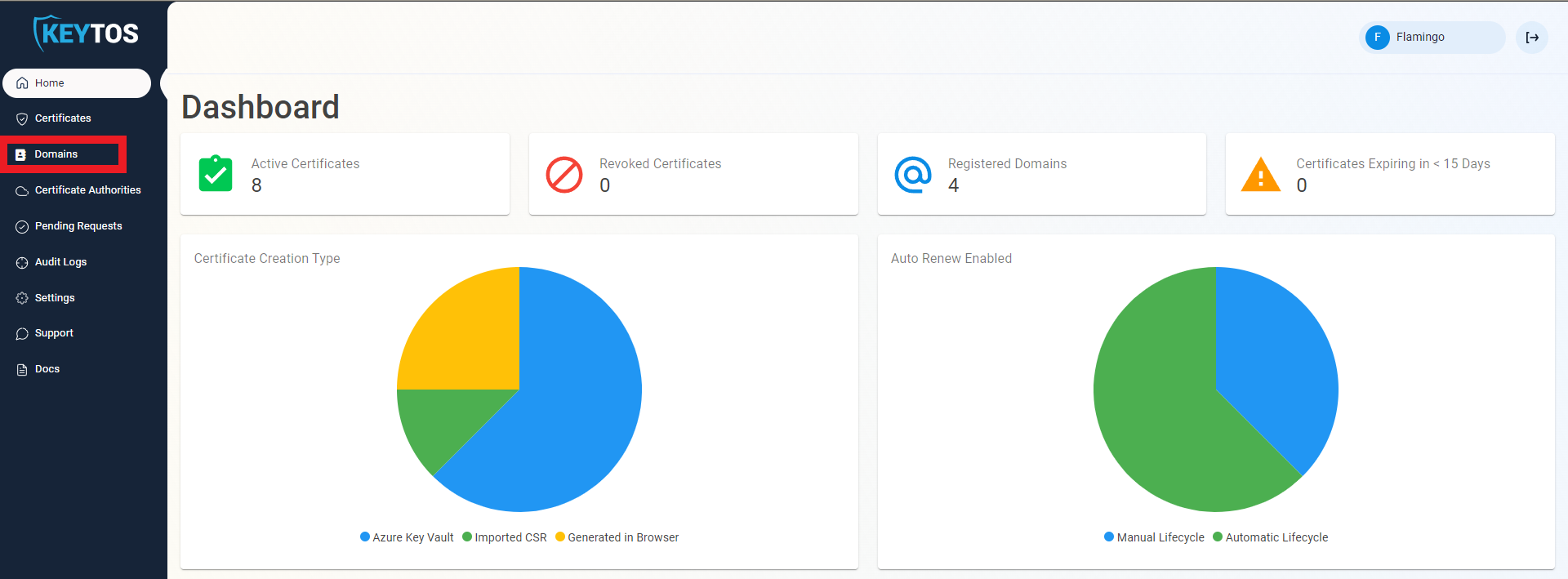
Navigate to Domains.
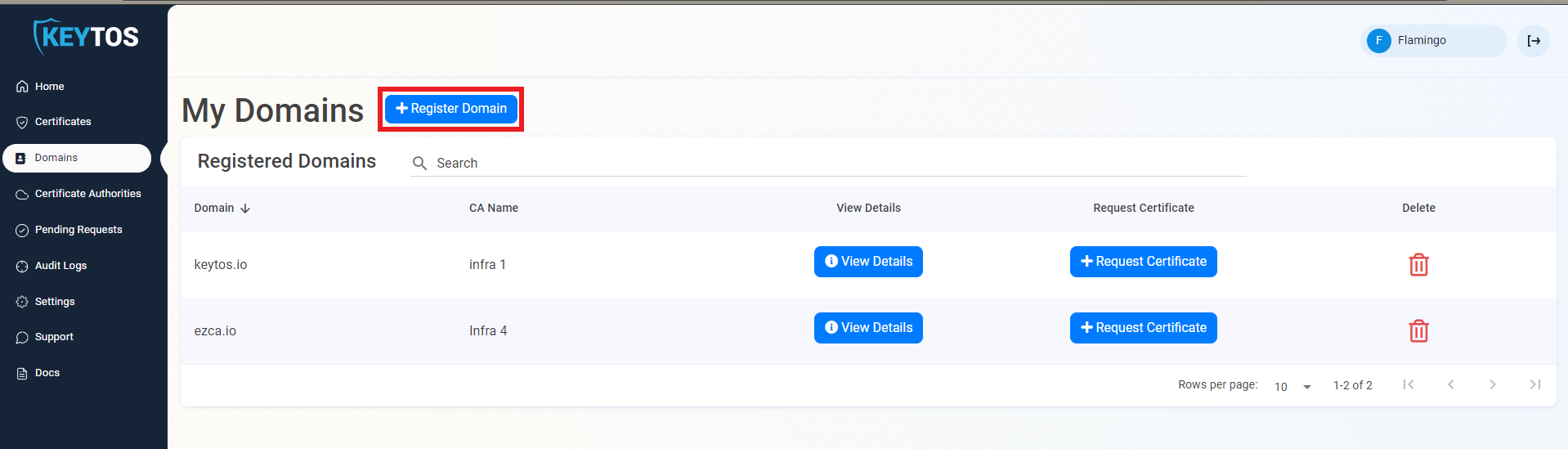
Click on + Register Domain.
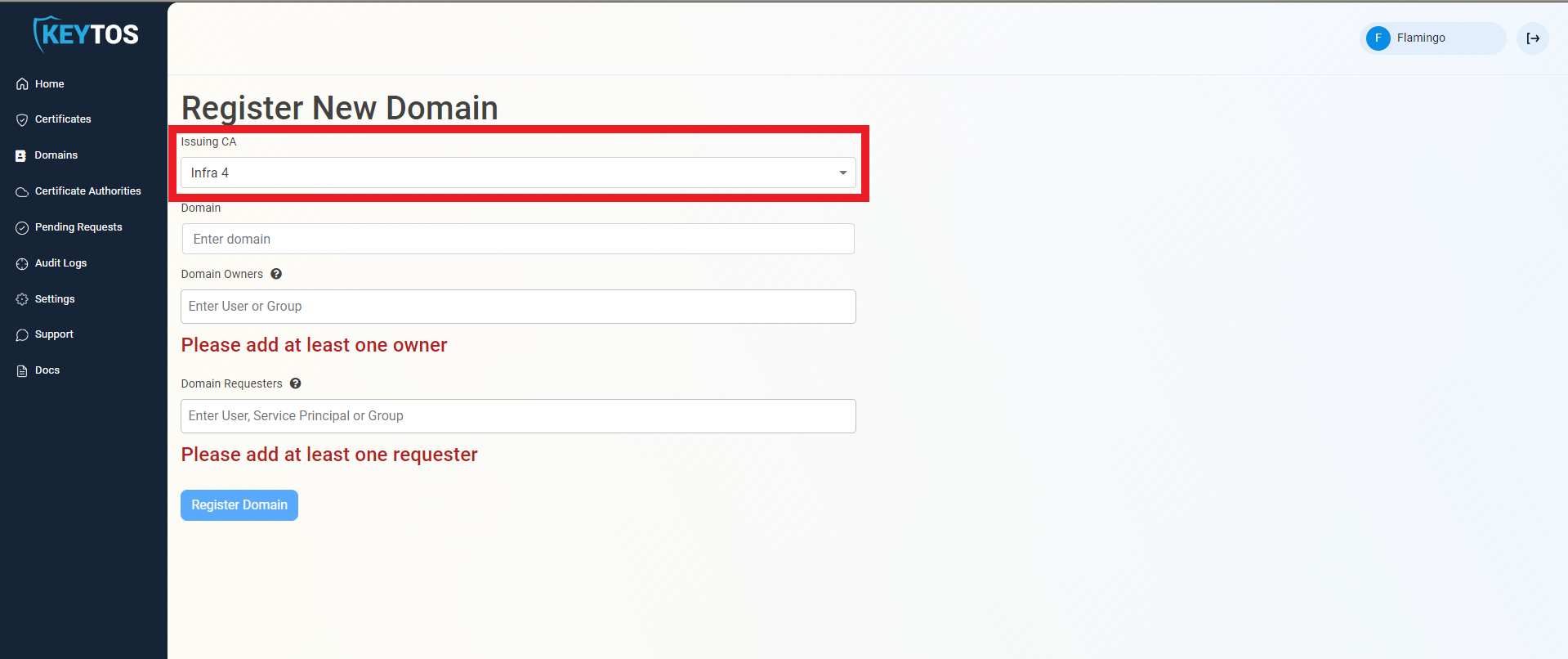
From the Issuing CA dropdown, select the Issuing CA that will issue certificates for this domain.
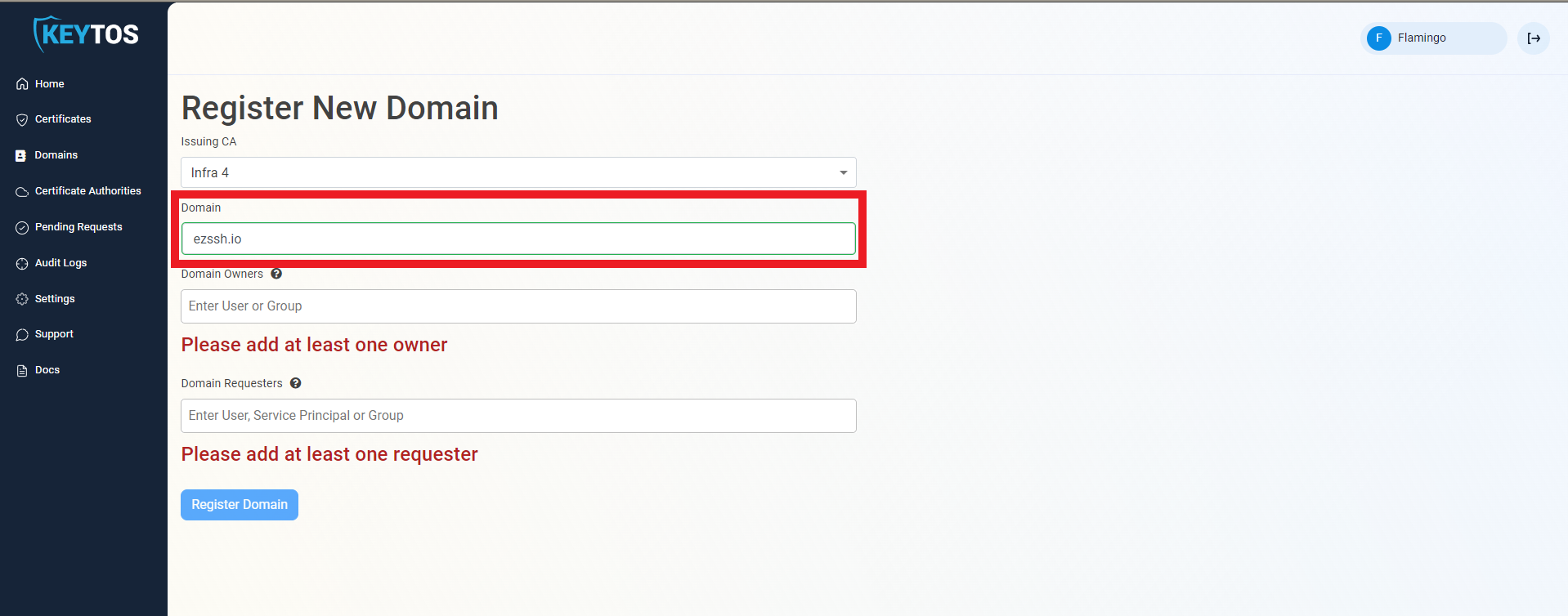
In the Domain Name field, enter the domain name or IP address you want to register.
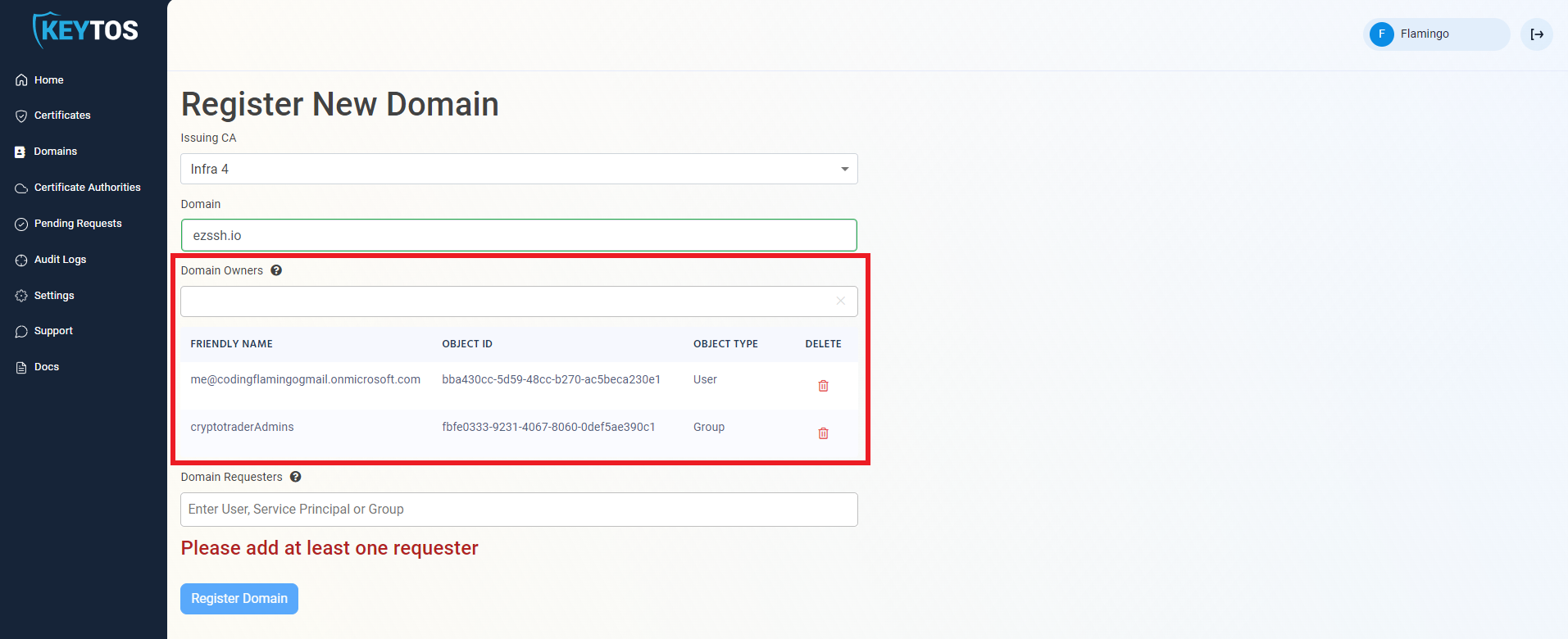
In the Domain Owners field, enter the user(s) and/or group(s) that will act as the Domain Owner. Domain owners manage can make changes to the Domain and can manage who can request certificates for this domain.
To issue certificates, you must also be added as a Domain Requester in the next step. Owners do not automatically have permission to request certificates.
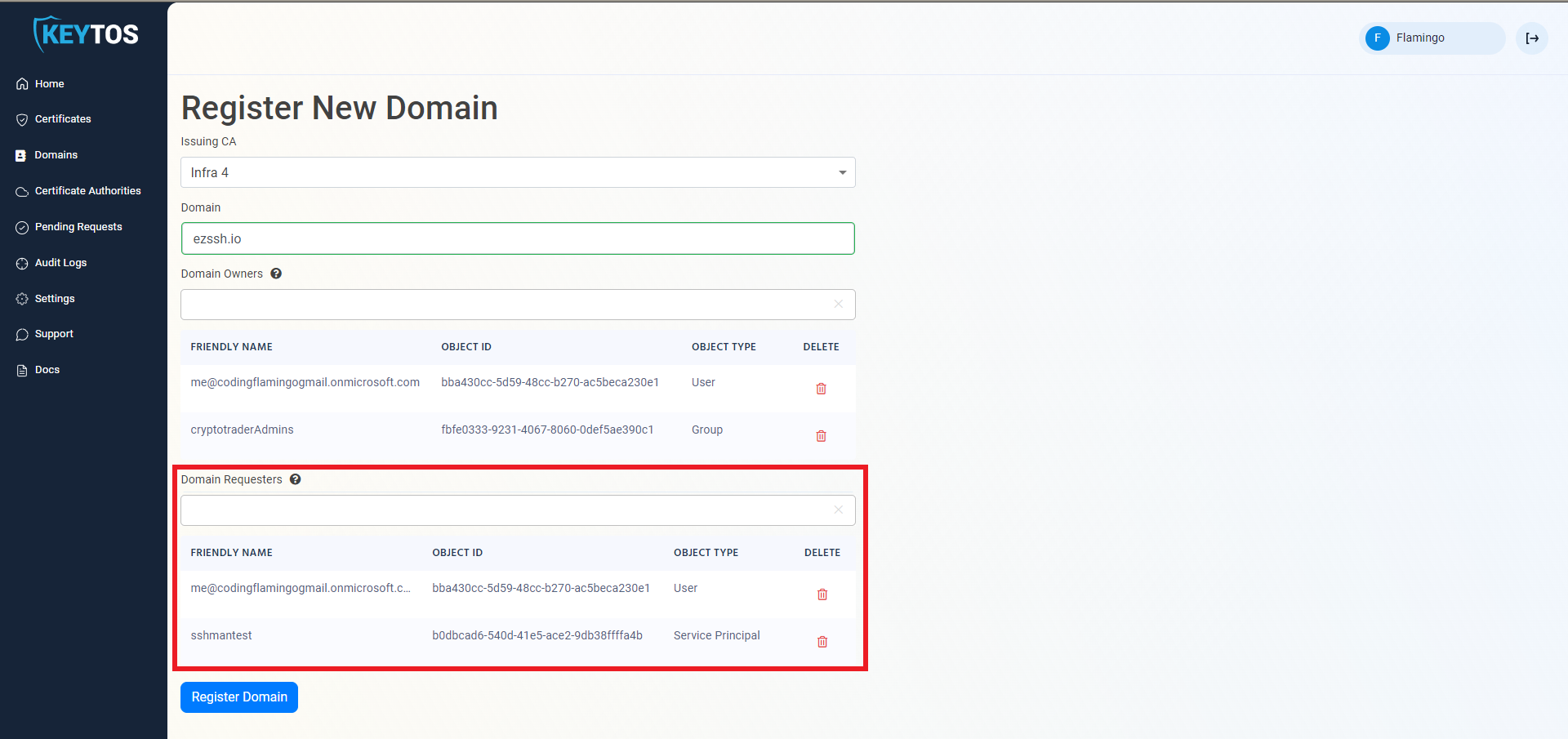
In the Domain Requesters field, enter the user(s), group(s), and Entra ID application(s) that will be allowed to request certificates for this domain.
Click the Register Domain button.
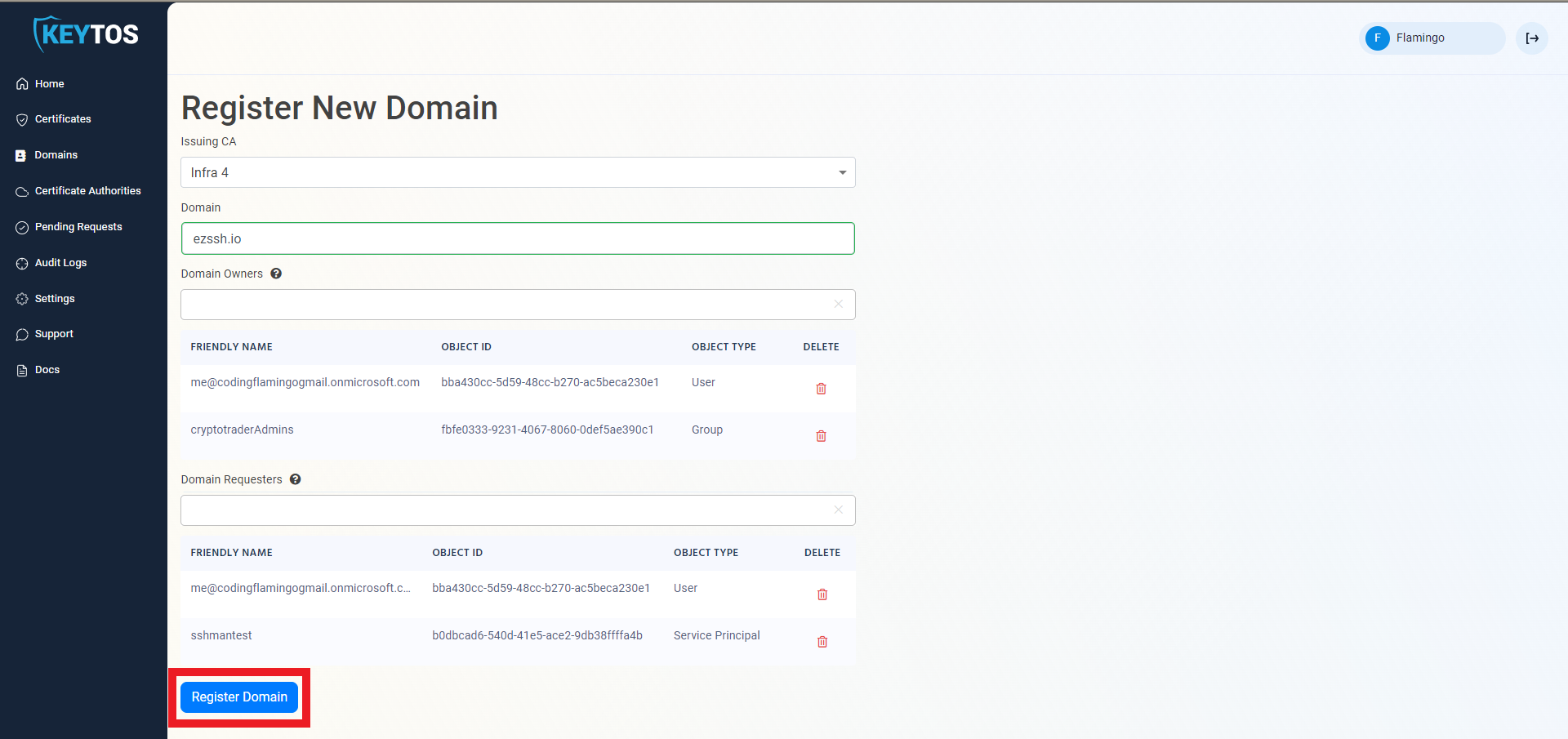
Now that the domain is registered, create your first certificate
If domain registration approval is set in CA, a domain creation request will be sent to the approvers for them to approve. Dual key approval is enforced, meaning that if you are an approver, someone else will have to approve your request.
If a domain owner leaves your organization without transferring domain ownership, the domain becomes orphaned. This guide provides steps to restore access to an orphaned domain in EZCA.