












How To Create an EZRADIUS Cloud RADIUS Subscription in the EZRADIUS Portal
Prerequisites to Create an EZRADIUS Cloud RADIUS Subscription
Before you can create an EZRADIUS cloud RADIUS subscription, you will need to ensure the following prerequisites are met:
How To Create an EZRADIUS Cloud RADIUS Subscription in the EZRADIUS Portal - Step by-Step Guide
Follow these steps to create an EZRADIUS cloud RADIUS subscription in EZRADIUS, with a fully-featured free 1-month trial plan that allows you to test out the service before committing to a paid plan:
-
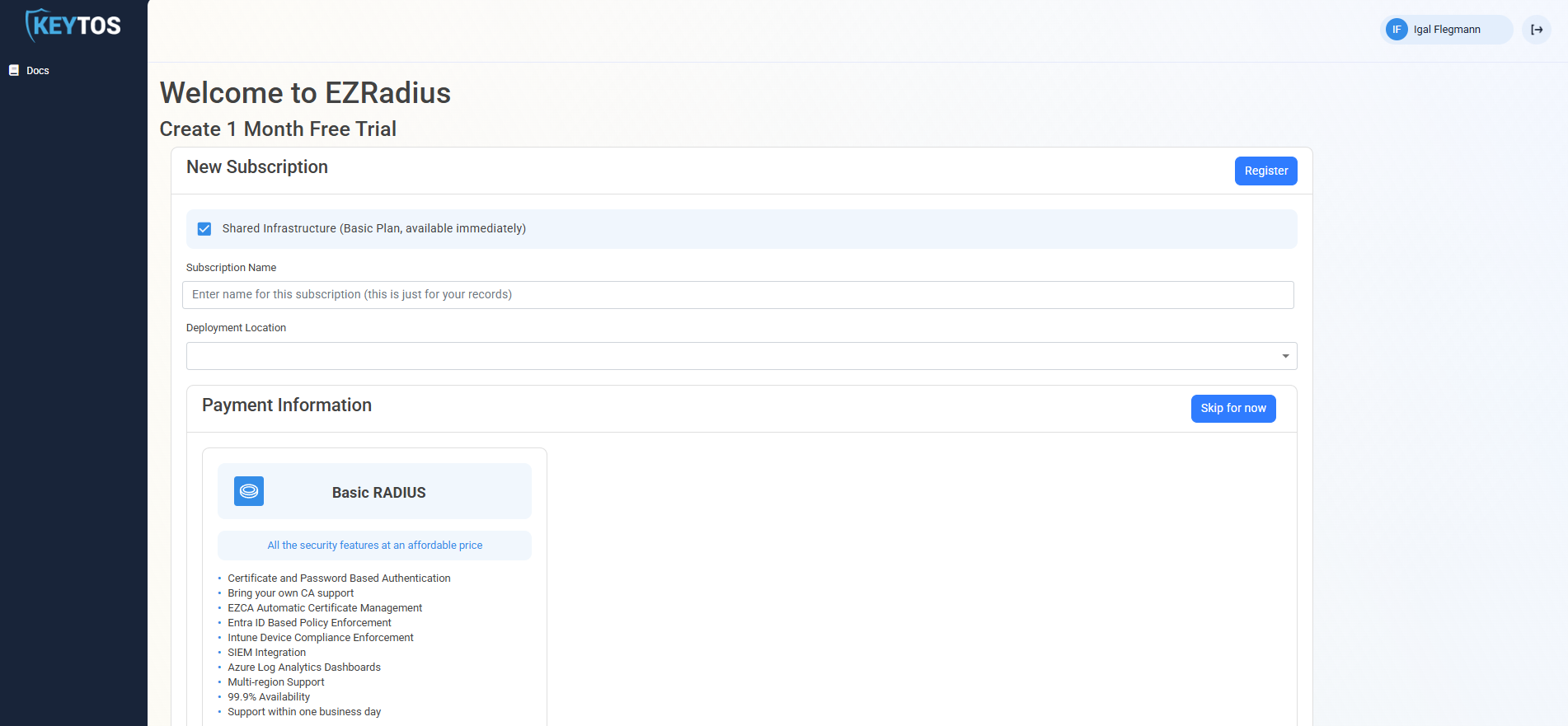
Navigate to portal.ezradius.io/Signup (or portal.ezradius.us/Signup for Azure Government GCC High users)
-
Enter the Subscription Name, which will be used to identify your subscription in the EZRADIUS portal.
-
Select the Deployment Location where you want to run your RADIUS service. Note that this cannot be changed later, so make sure to select the region closest to your users for optimal performance.
-
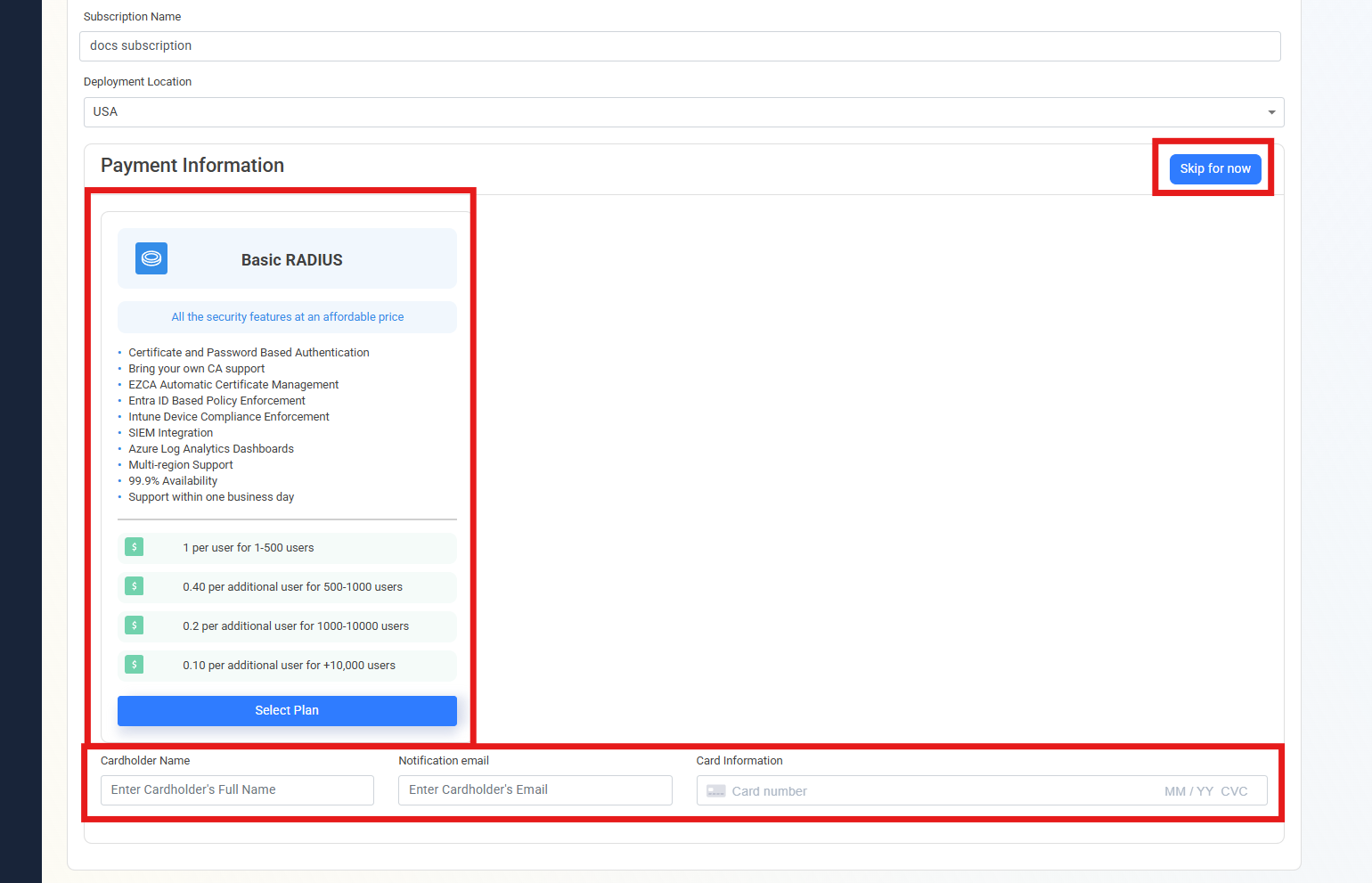
Click Select Plan on your desired plan. To view dedicated plans, uncheck Shared Infrastructure.
Note that a free trial is only available on the Basic RADIUS plan
-
Enter your credit card information, or click Skip for now to start your free 1-month trial. You will not be charged during the free trial period, but you can add your credit card information later in the EZRADIUS portal.
-
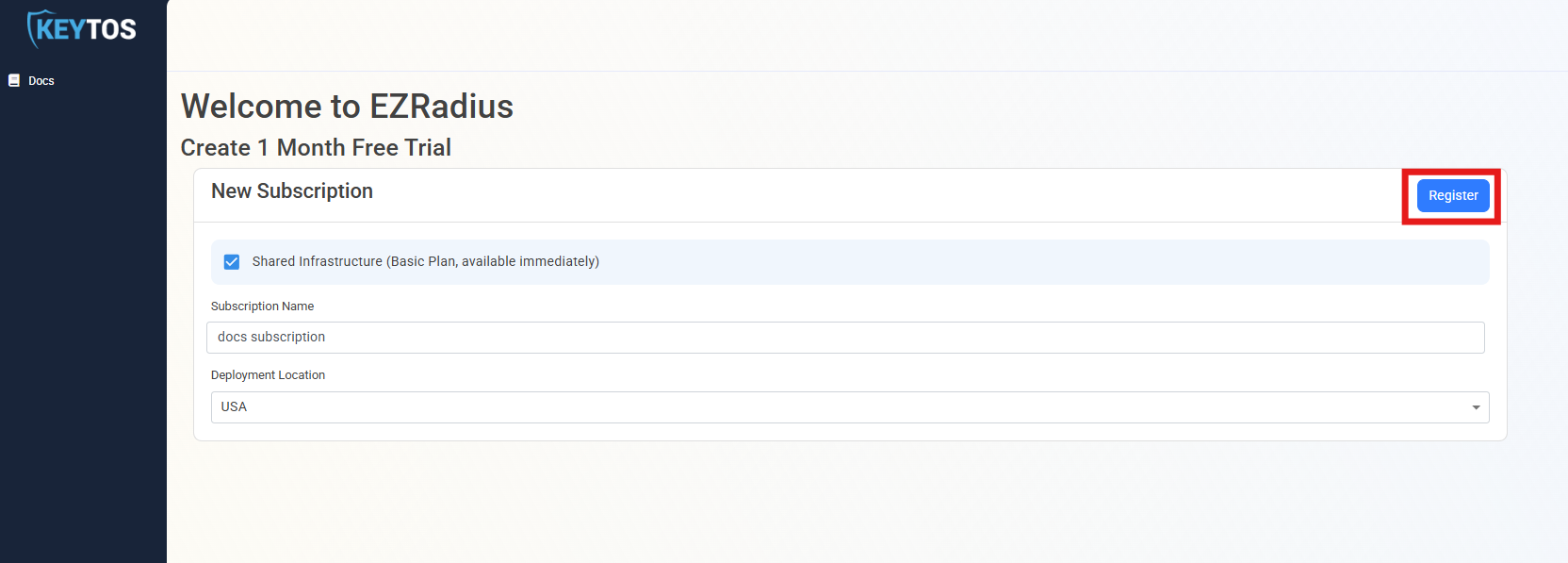
Scroll to the top of the page and click on the Register button.
Dedicated InstancesIf you selected a Dedicated plan, we will reach out with instructions on how to access your private instance once it is ready to use, usually within 24 hours. If you have any questions, please reach out to our support team at support@keytos.io.
-
Once your instance is ready, the instance URL will be displayed. This will be the URL you’ll use going forward to access EZRADIUS. It is recommended you bookmark this instance so you can enter it directly.

-
Done!
Next Steps After Creating Your EZRADIUS Cloud RADIUS Subscription
Now that your subscription is ready to use and you can move onto setting up a SIEM connection or create your first policy.