











How-To: Create a New Certificate in a Browser
Prerequisites
Overview
EZCA allows users to securely create a certificate in the browser by locally generating a private key in the browser and then requesting a certificate, following the PKI best practices of the private key never leaving the client’s computer.
How to Create a Certificate in Browser with EZCA
-
Navigate to https://portal.ezca.io/
-
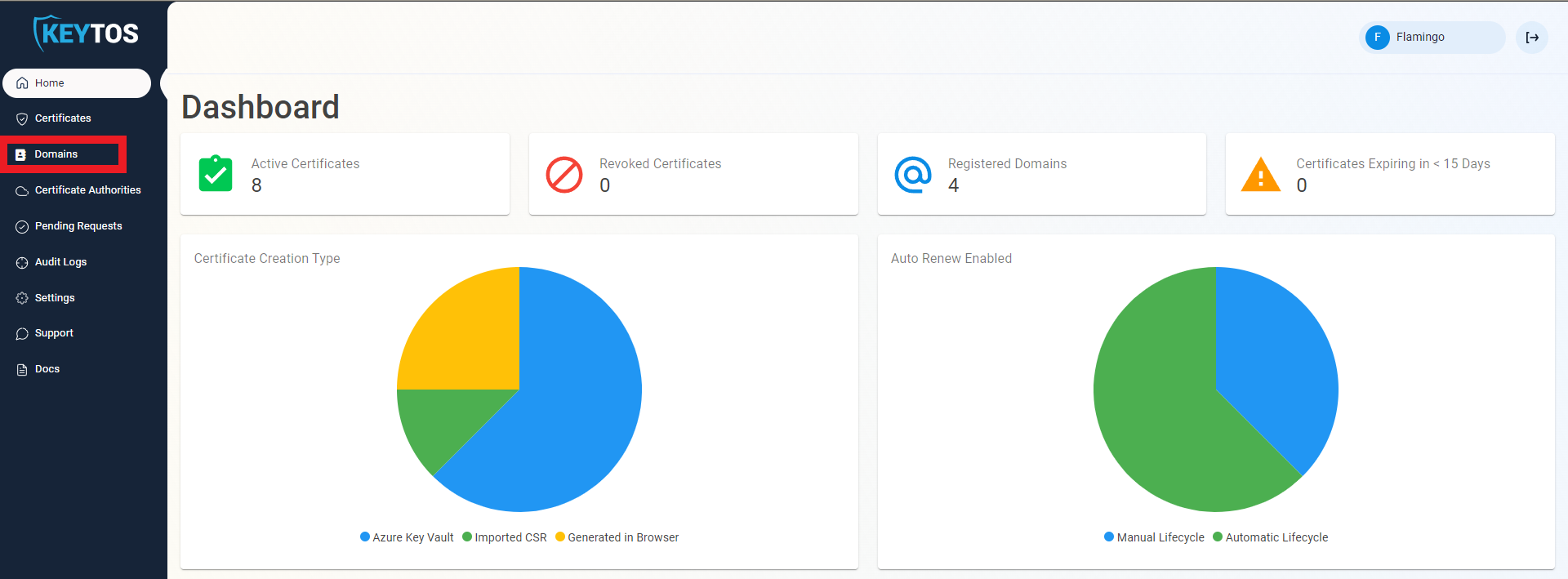
Navigate to Domains.
-
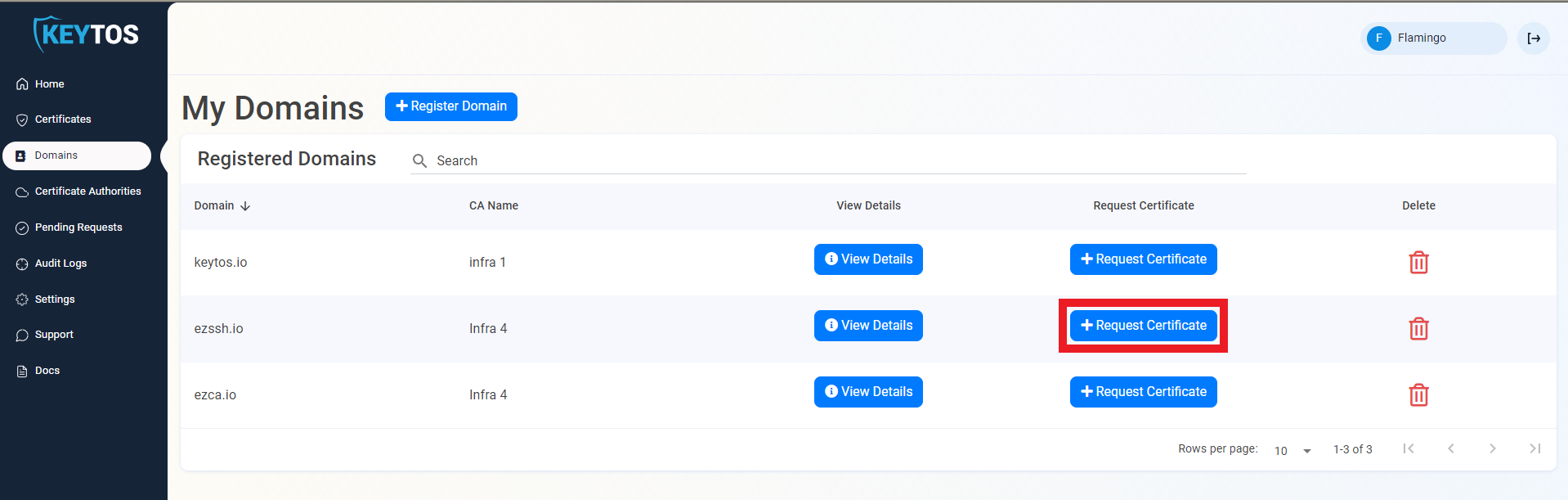
Click the “Request Certificate” button on the domain you want to request a certificate for.
-
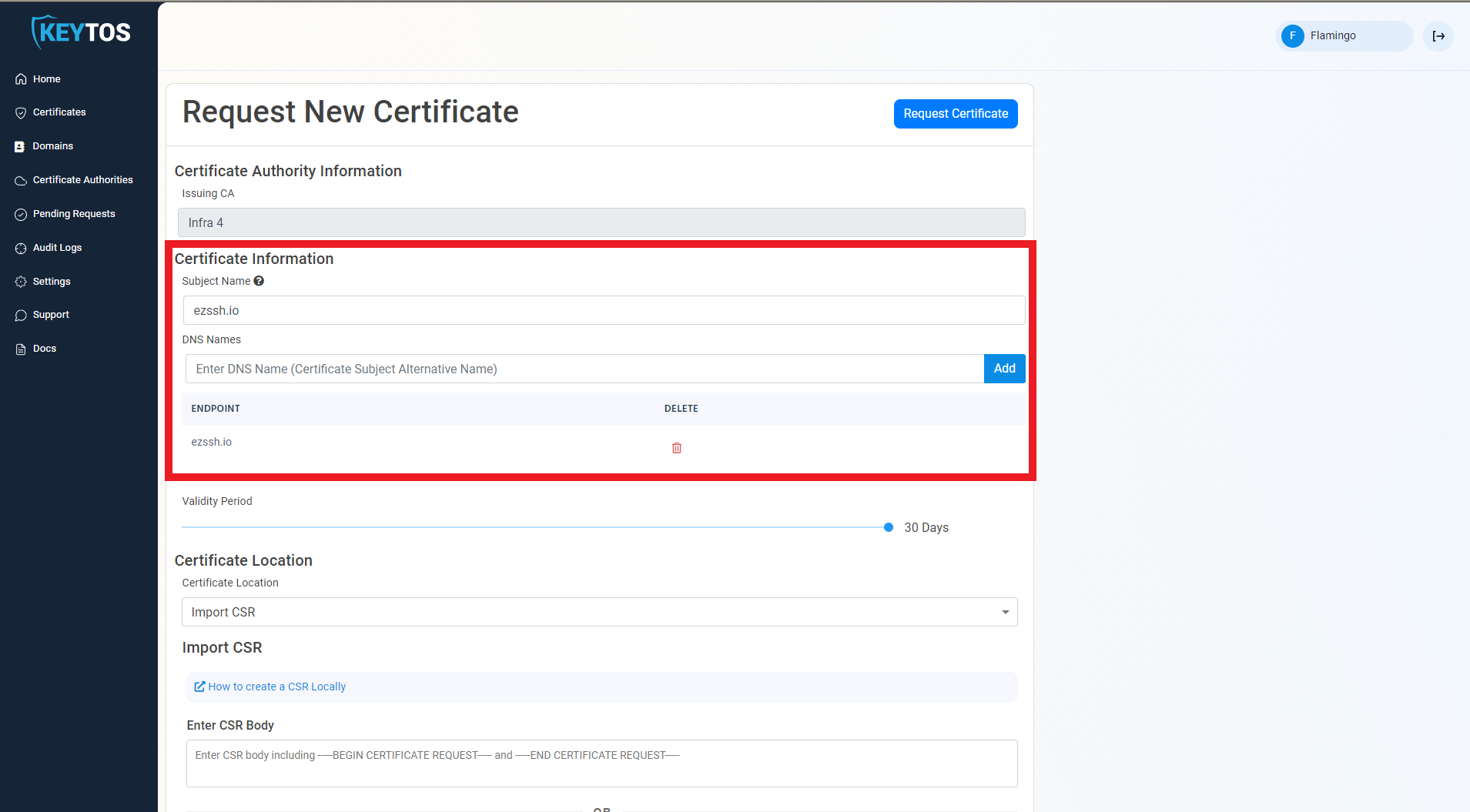
This will pre-populate the Subject Name and Subject Alternate Names with the selected domain.
-
If this certificate requires more subject alternate names (Usually for other domains that might use this certificate), add them in the DNS Names section.
-
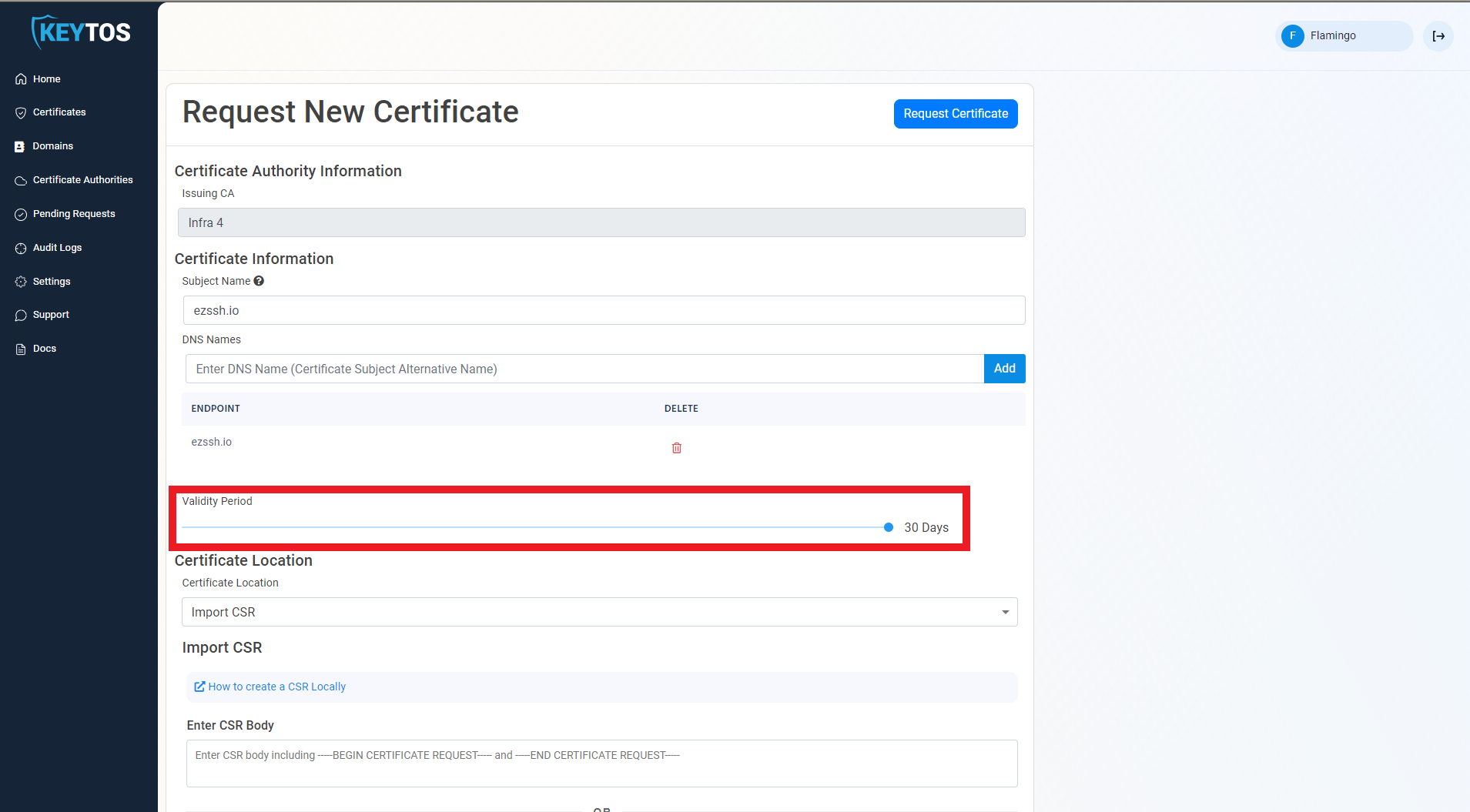
By Default, EZCA will request the certificate to be the maximum validity allowed by your administrators. If you want to decrease the lifetime of the certificate, adjust the validity slider.
-
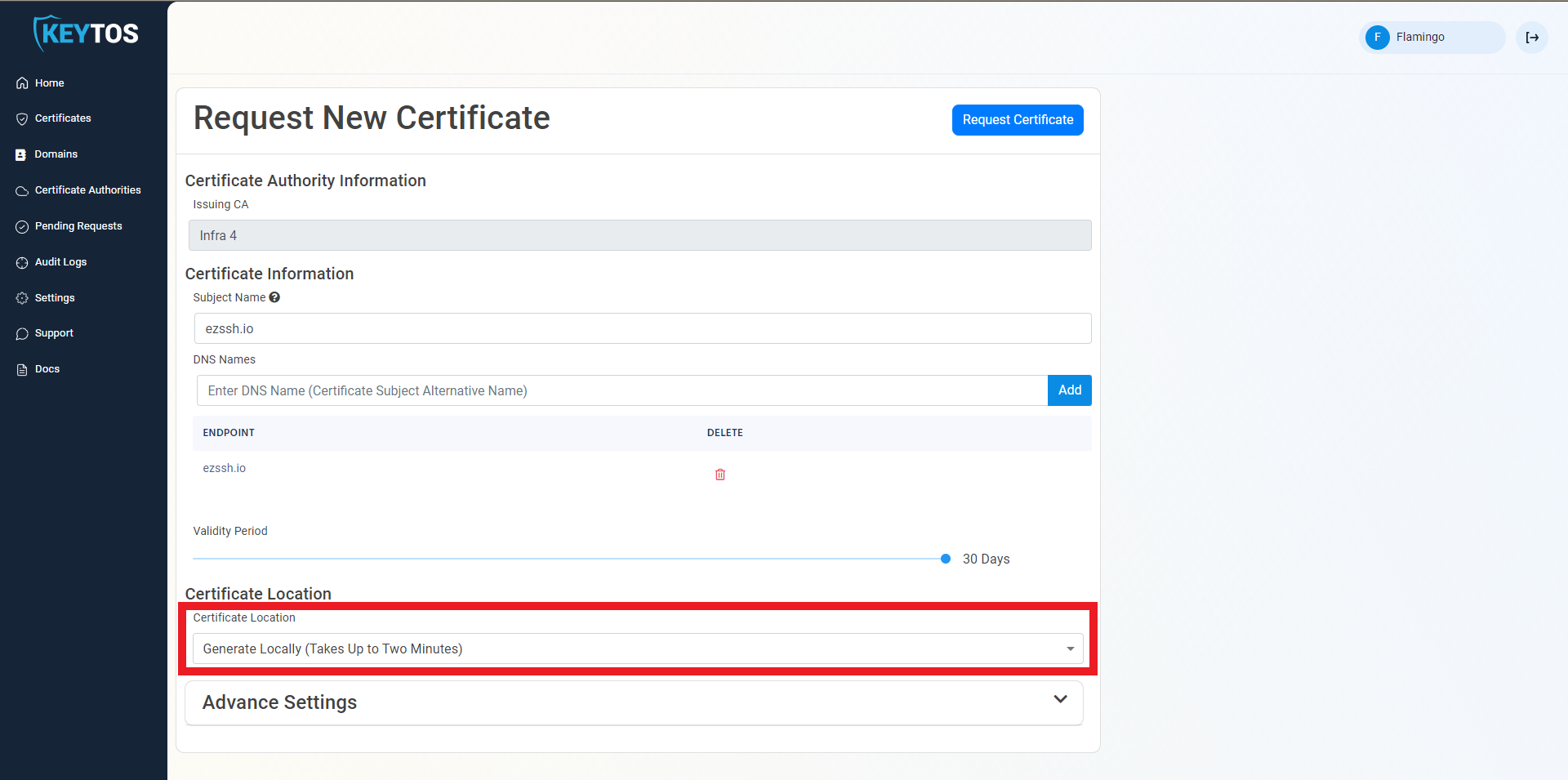
Select The “Generate Locally” Option.
-
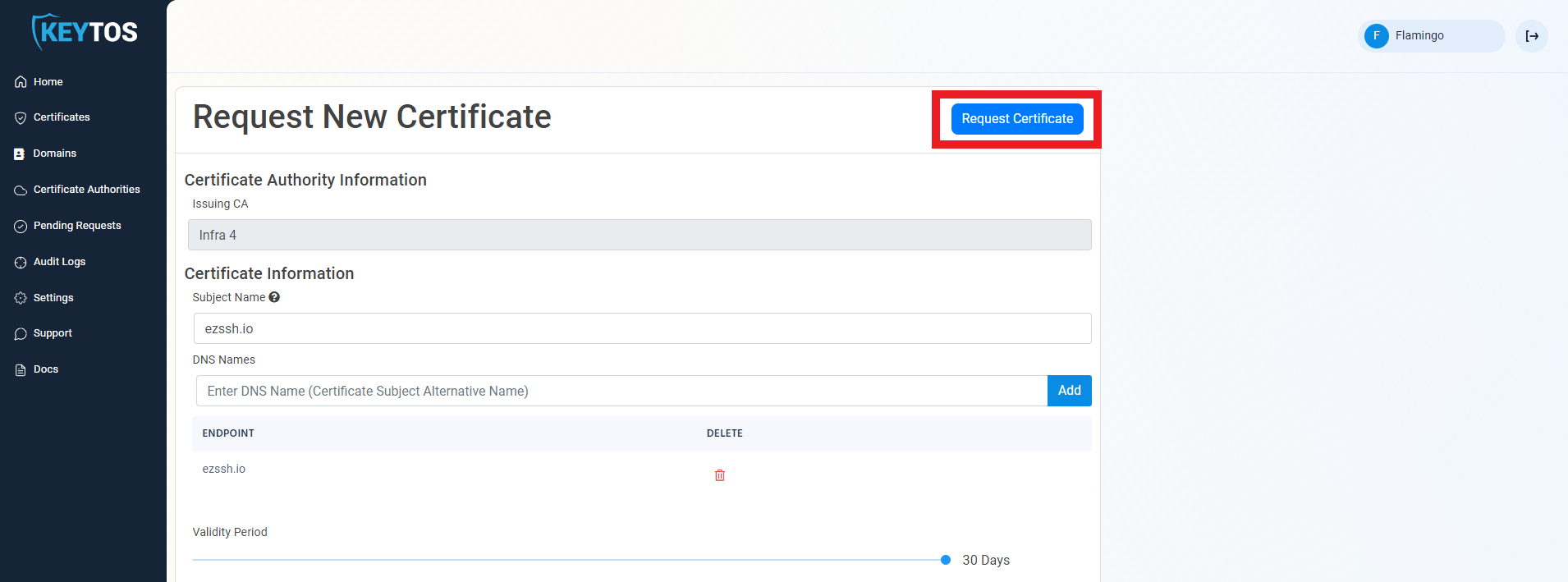
Click the “Request Certificate” button at the top right of the form.
NoteThe page might look like it is frozen and you might even get a browser error that the page is not responding, this happens when the private key is being created and the client code cannot refresh the UI. Wait for ~1 minute and the site should start responding again.
-
Your Certificate has been created successfully.
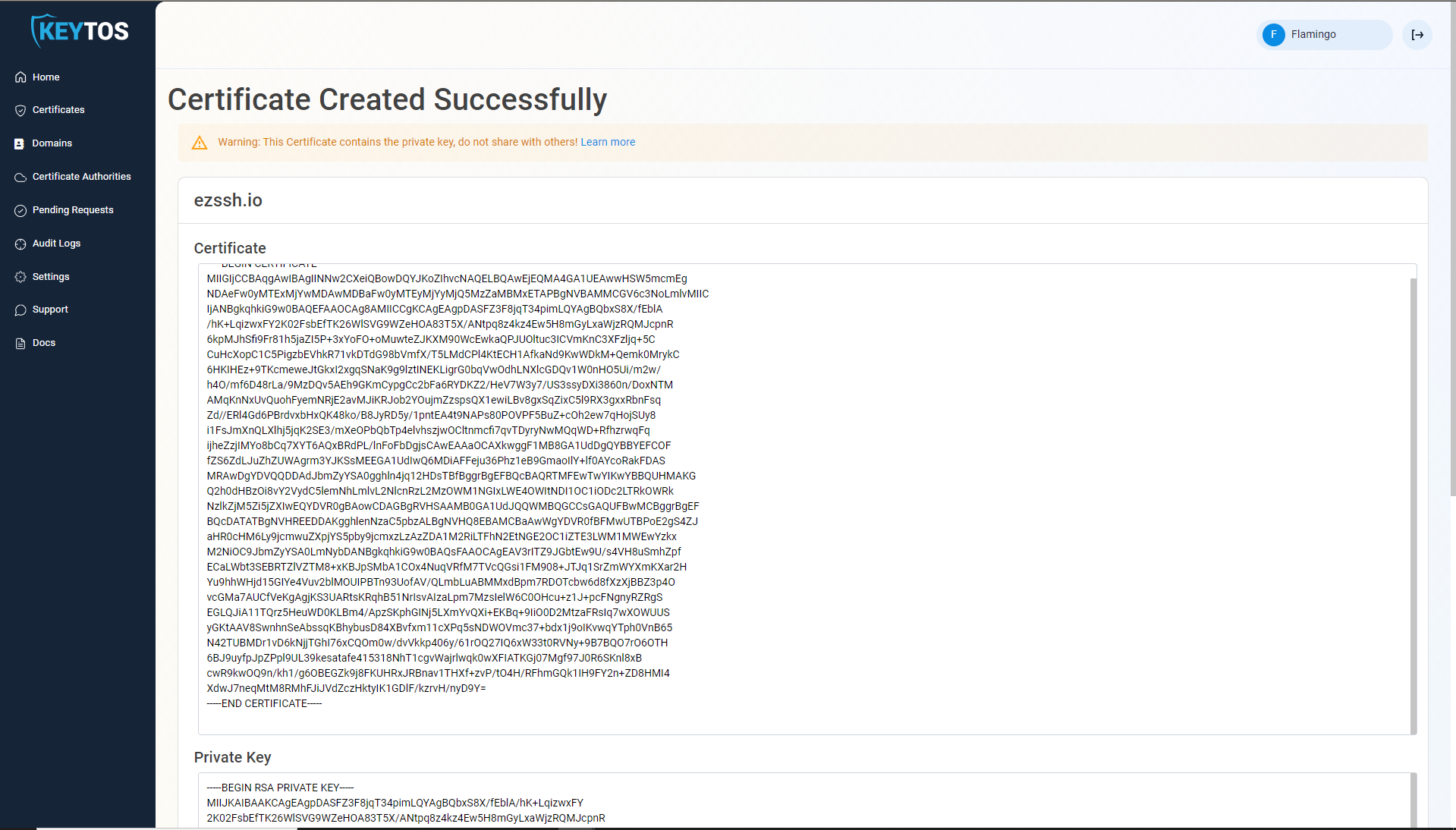 Warning
Once the certificate is created make sure you download the private key since once you navigate away from that page you will not be able to retrieve it again.
-
Next Steps: How To Install SSL Certificate