How-To: Troubleshoot SSL/Issuing Certificate Authorities in EZCA
I Created a New Intermediate/Subordinate CA in EZCA But I See “Awaiting CA Certificate”
If you have created your intermediate/subordinate CA in EZCA but you get to the point where you see “Awaiting CA Certificate” in EZCA, it means that the CA has been created in EZCA but the certificate has not been signed by your Root CA. Follow these steps to complete the process.
How to Sign and Chain Your CA to Another EZCA CA
If you are using a Root CA that is also in EZCA, you can complete the process in just a few clicks.
-
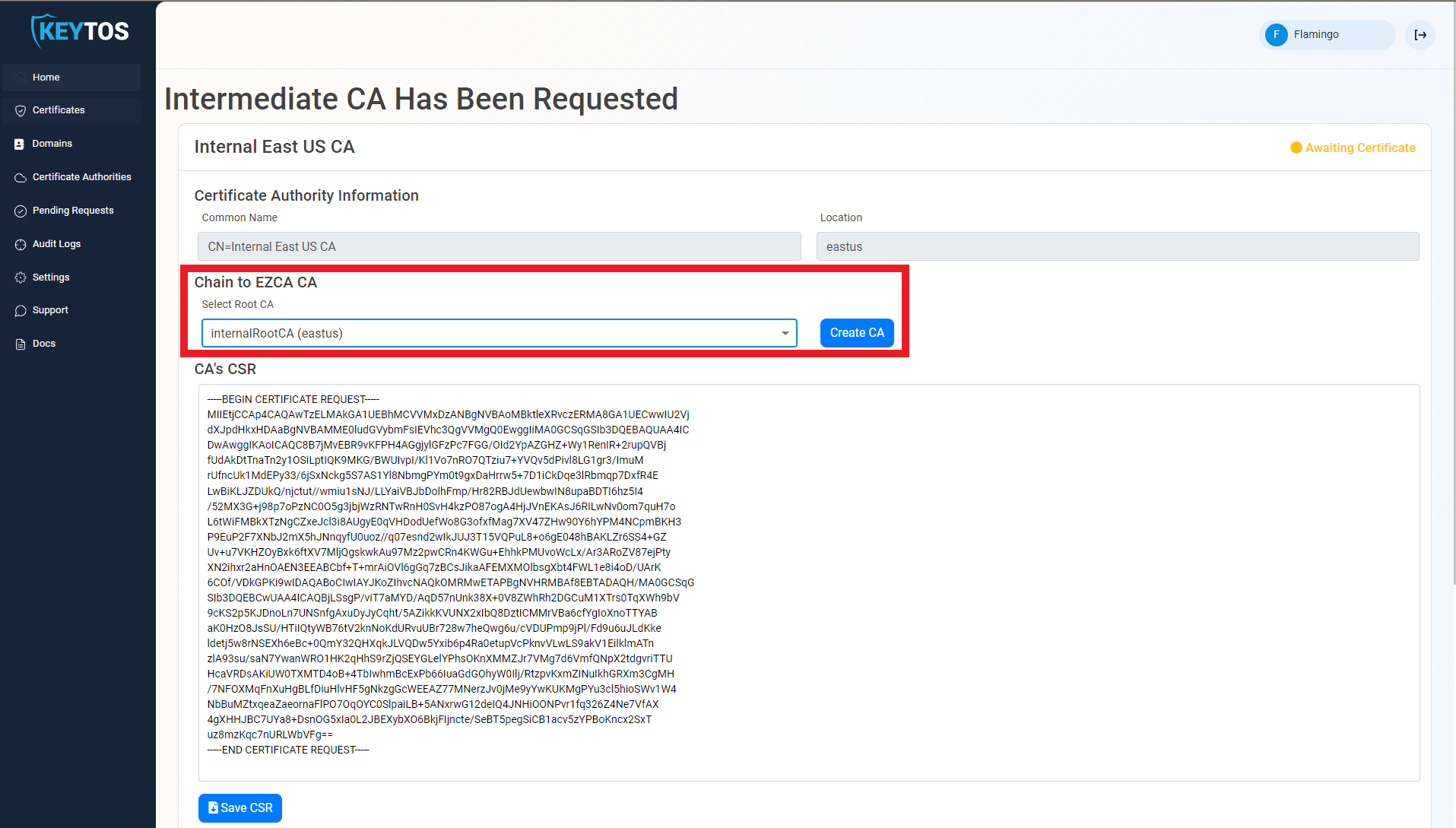
Under Chain to EZCA CA, drop down the Select Root CA and select the Root CA that you want to use to sign the CSR.
-
Click on Create CA and it will sign the CSR and complete the process to create your new EZCA intermediate/subordinate CA.
How to Sign and Chain Your CA to an External CA
If you are using a Root CA that is not in EZCA, you will need to sign the CSR in your Root CA and then upload the certificate to EZCA. You can follow these instructions if you are using and ADCS Root CA.
How to Sign and Chain Your CA to an External CACommon Issues When Signing and Chaining Your CA
When signing and chaining your CA to another CA, there are a few common issues that can arise. Here are some troubleshooting steps to help you resolve these issues.
My EZCA Root CA is Not Showing Up in the Dropdown
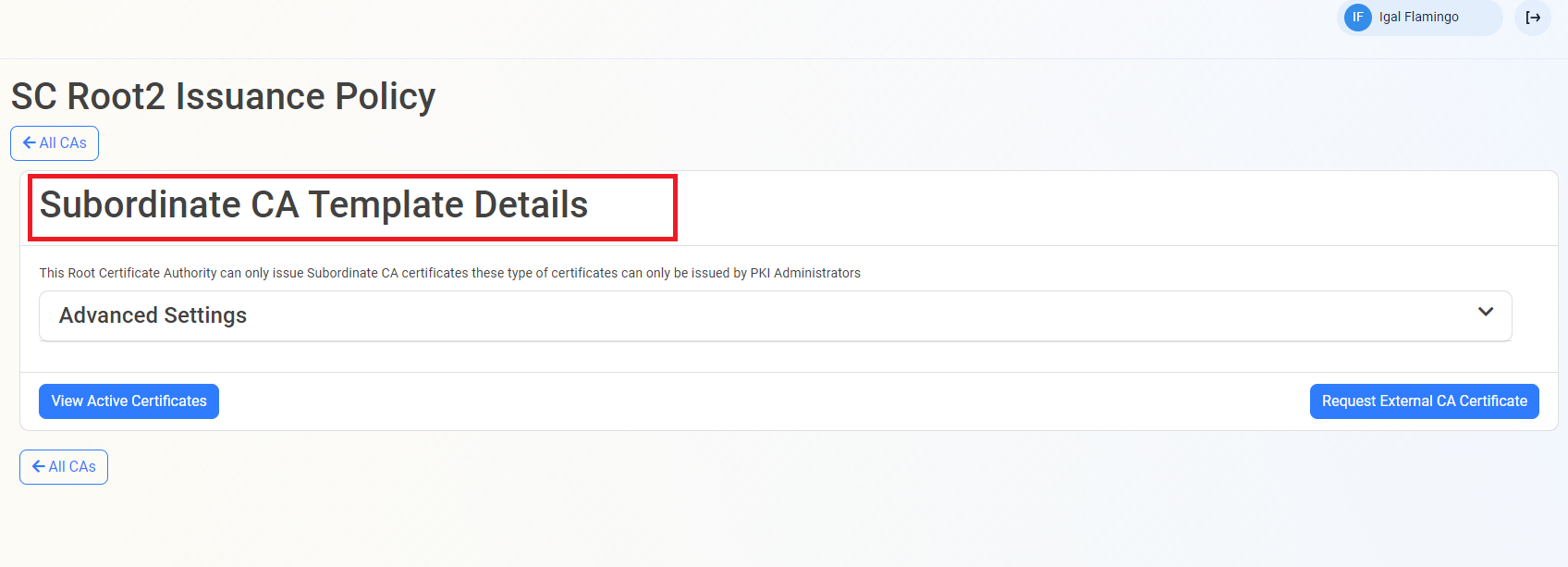
If you are using a Root CA that is in EZCA but it is not showing up in the dropdown, this is usually caused by the Root CA not being the right CA type. The CA must be of the Subordinate CA Template type in EZCA to be able to sign the CSR of another Certificate Authority.
You can validate the CA type by going to Certificate Authorities and clicking on the CA View Requirements, you will see the CA type in the details.
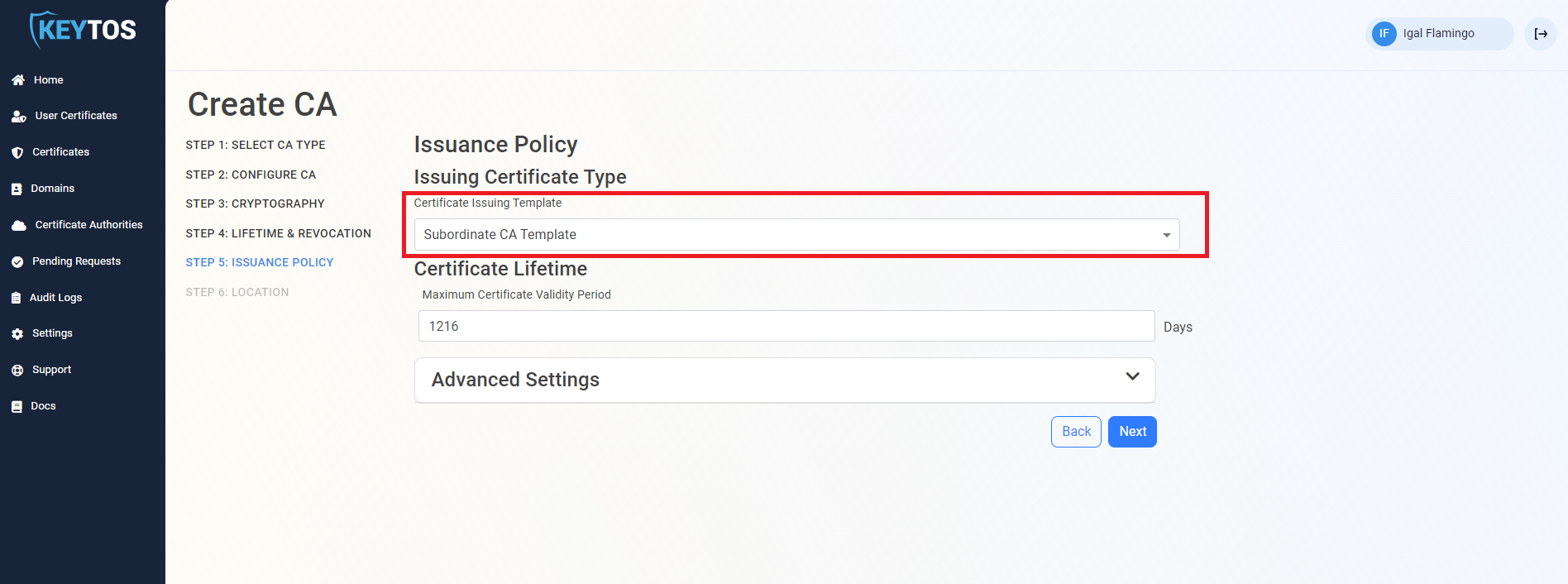
If it is not the right type, you can create a new Root CA in EZCA and select the Subordinate CA type in step 5. Once you have the right Root CA, you can go back to the Certificate Authority that is awaiting the CA Certificate and select the Root CA and click on Create CA.
When Signing With an External CA, I’m Getting an “Error importing CA certificate” Message
If you are signing with an external CA and you get an Error importing CA certificate message with Certificate subject name does not match CA subject name error, this means there’s a mismatch between the subject name in the CSR and the subject name in the signed certificate. This can happen if your CA includes the full distinguished name (DN) in the subject field.
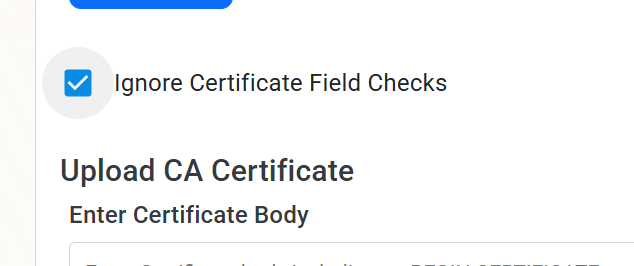
To resolve this, you can click the Ignore Certificate Field Checks box when you upload the signed certificate to EZCA. This will allow you to bypass the checks and import the certificate successfully.