How-To: Export your Cloud PKI Logs to Splunk
Prerequisites
How To Export Your Cloud PKI Audit Logs To Splunk
-
Go to the EZCA Portal.
-
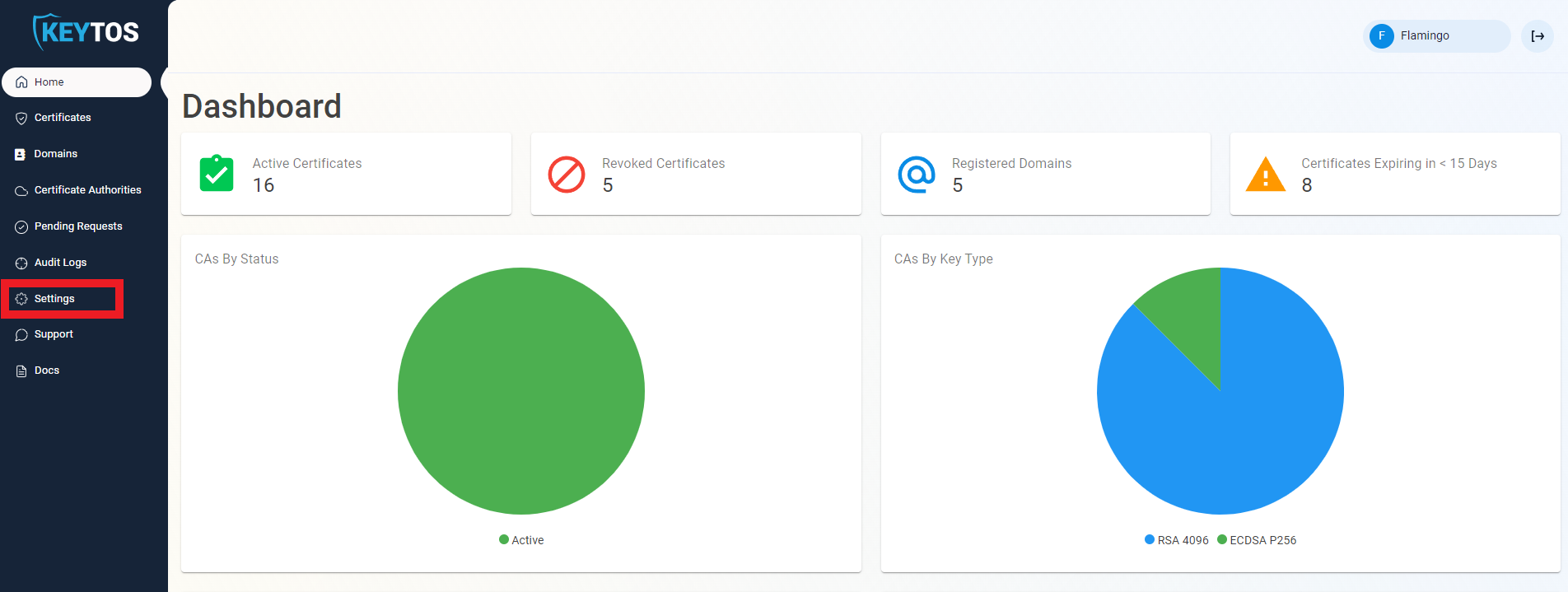
Click on Settings.
-
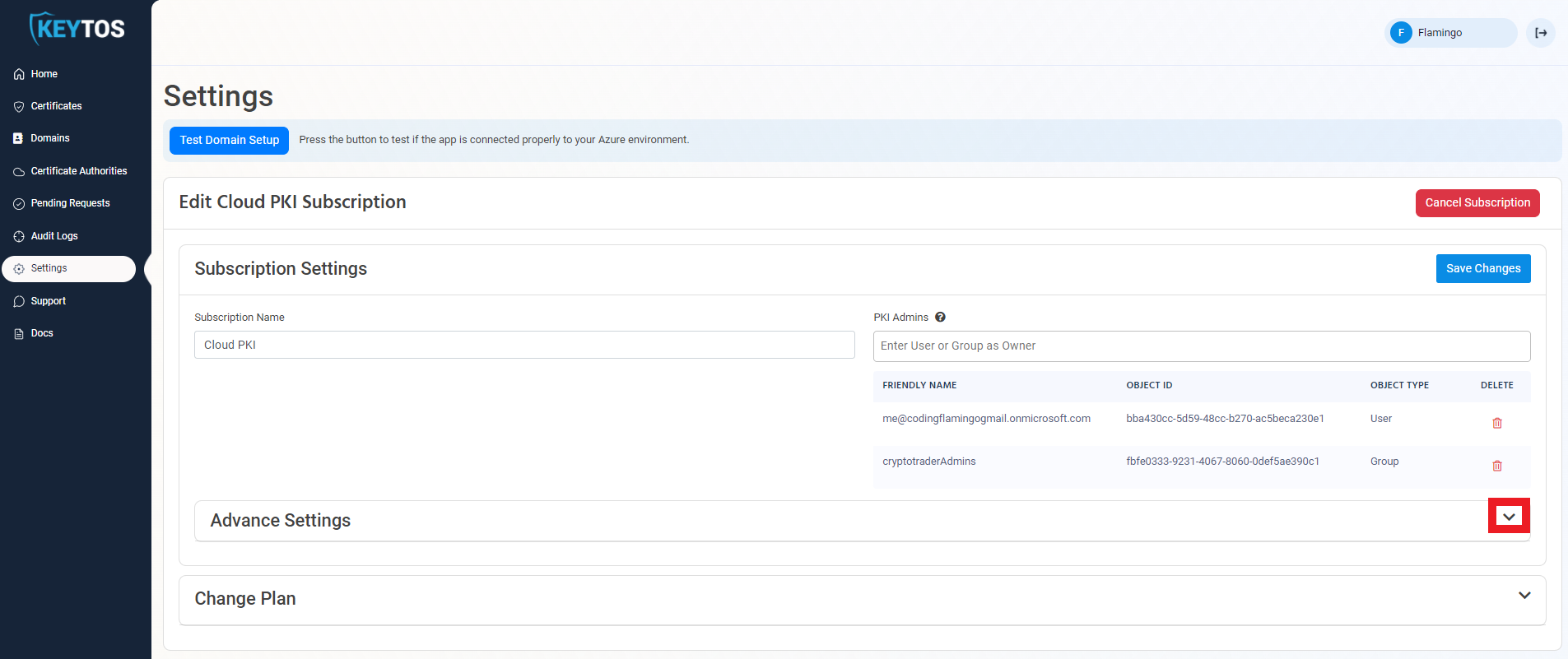
Expand your subscription’s advanced settings.
-
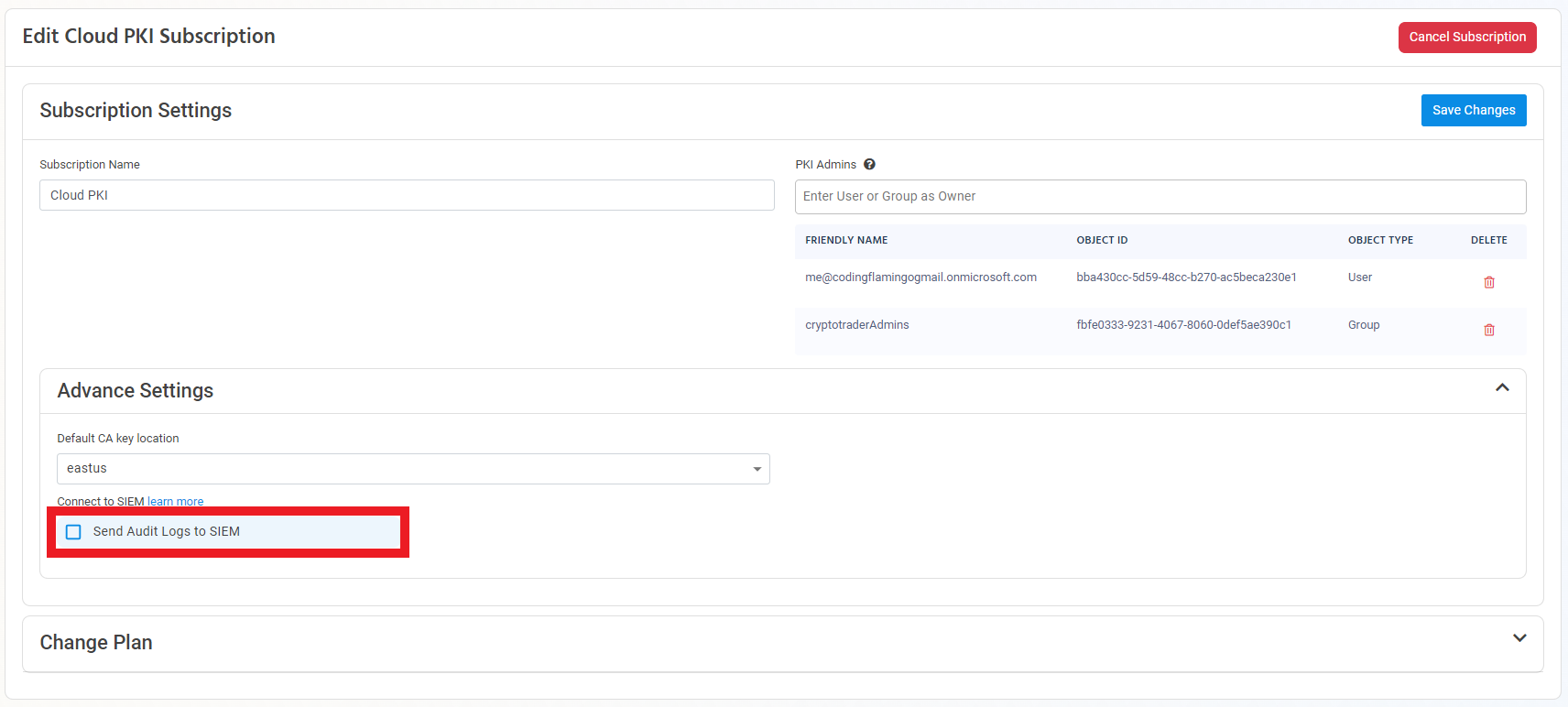
Enable the Send Audit Logs to SIEM option.
-
Select Splunk as the SIEM Provider.

-
In another tab, go to your Splunk instance.
-
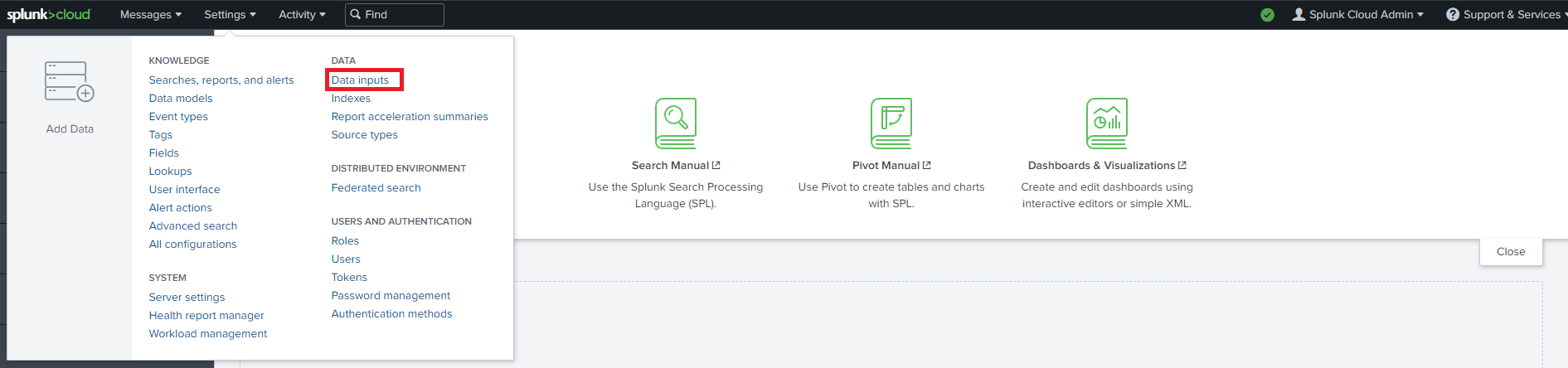
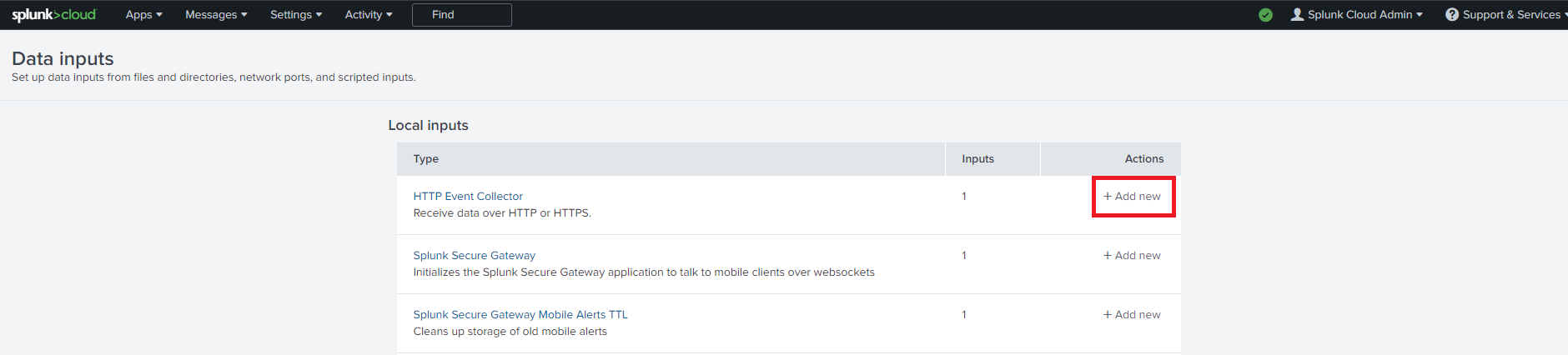
Go to Data inputs by clicking on the Settings menu.
-
Add a new Http Event Collector.
-
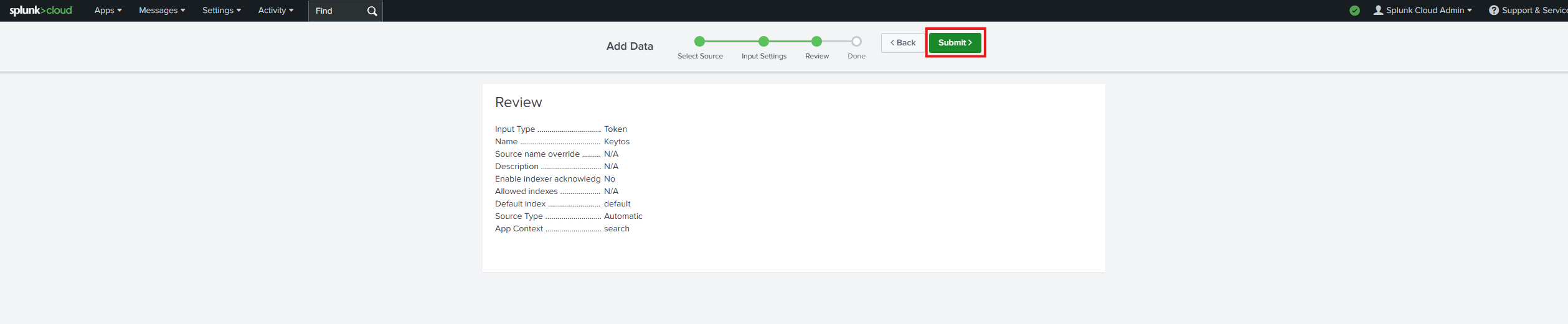
Enter “Keytos” as the Name click next.
-
Leave input settings with the default values and click Next.
-
Click Submit.
-
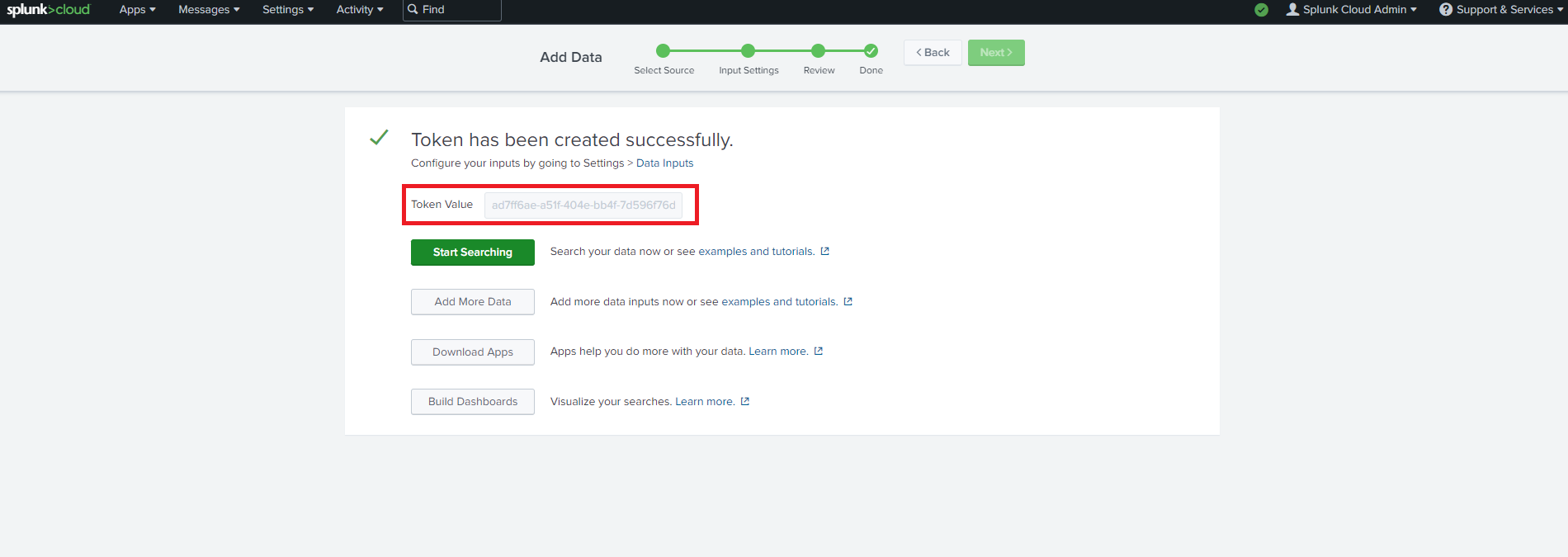
Copy the Splunk token we just created.
-
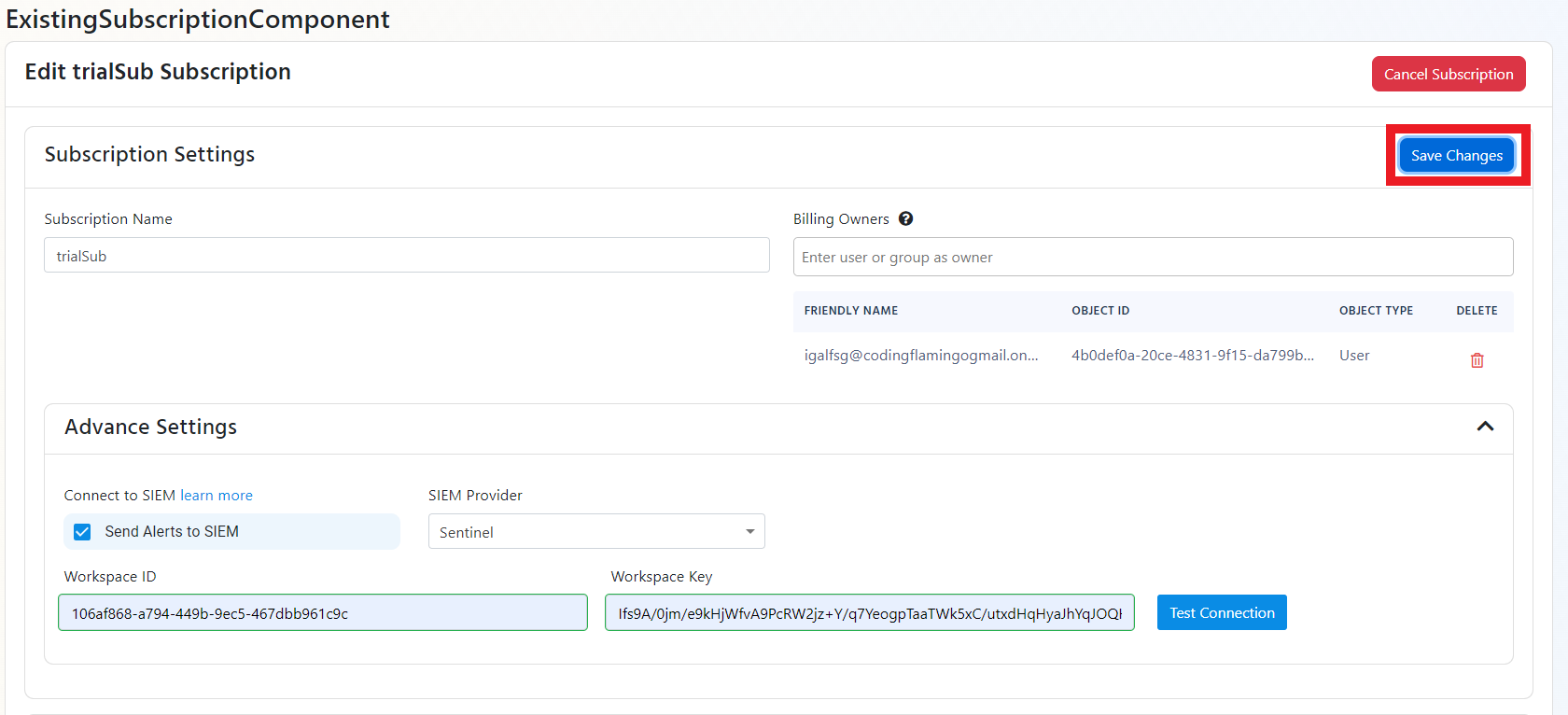
Now let’s go back to the EZCA portal and copy the url of your splunk instance and the token we just created.
-
Click the Test Connection"** button, this will create a test log in your SIEM to make sure EZCA can write to the SIEM.

-
If the connection test is successful, click Save changes
-
EZCA will now send your security alerts to your SIEM. If an error occurs it will email your subscription administrators. See below to see the different events EZCA will send.
How To Create Alerts in Splunk to Monitor Your Cloud PKI Activity
We recommend setting up alerts for any high criticality event, and closely monitor medium and low events. Here are some example queries to get you started:
Certificate Request Denied (Event ID 4888)
Certificate request denied is an event that is created when a user requests a certificate that they do not have permission to request. It is important to alert on this event since it can be an attacker attempting to escalate privileges by requesting a certificate.
index=your_index sourcetype="EZCA_Certificates" EventID=4888
CA Permission Changed (Event ID 4882)
CA Permission Changed is an event that is created when a user changes the security permissions for a CA. This event should be monitored since it is a low frequency high impact action that could indicate a compromise to your PKI administrator’s accounts.
index=your_index sourcetype="EZCA_CAs" EventID=4882
CA Changes Denied (Event ID 92)
CA Permission Denied is an event that is created when a user attempts to change the security permissions for a CA without having the proper security permissions. It is important to alert on this event since it can be an attacker attempting to escalate privileges by changing the security configuration of your certificate authority.
index=your_index sourcetype="EZCA_CAs" EventID=92
Deleted CA (Event ID 19)
CA Deleted is an event that is created when a user deletes a CA. This event should be monitored since it is a low frequency high impact action that could indicate a compromise to your PKI administrator’s accounts.
index=your_index sourcetype="EZCA_CAs" EventID=19
What Logs are Sent to Splunk?
EZCA sends the following log types to your SIEM:
CA Operation Events
| Event ID | Event Summary | Description | Potential Criticality |
|---|---|---|---|
| 4882 | The security permissions for Certificate Services changed | A change in CA settings that might give or remove critical permissions | High |
| 92 | CA change denied due to insufficient permissions | A user attempted to change CA settings without the proper permissions | High |
| 23 | Intermediate CA request rejected | A new Intermediate CA request has been rejected | High |
| 19 | CA deleted | This indicates that a CA was deleted | High |
| 28 | Intermediate CA was imported | A new Intermediate CA has been created chaining to an external CA | Medium |
| 22 | Intermediate CA created with EZCA Root | A new Intermediate CA has been created chaining to an EZCA CA | Medium |
| 12 | CA was renewed | A CA has been renewed | Low |
Certificate Operation Events
| Event ID | Event Summary | Description | Potential Criticality |
|---|---|---|---|
| 4888 | Certificate request denied due to insufficient permissions | A user attempted to request a certificate without the proper permissions | High |
| 4870 | A certificate has been revoked | This can cause an outage if was done by mistake or the new certificate is not added to all the endpoints that use the certificate | Medium |
| 4872 | Publish CRL | This is an even that the CRL has been published, this does not have to be tracked as we take care of it for you. | Low |
| 4887 | Certificate was created | This event indicates a certificate was created successfully | Low |