

















How-To: Export EZSSH Logs to Kafka
Prerequisites
How To Export Your EZSSH Audit Logs To Kafka
How To Enable Log Export in EZSSH Portal
-
Go to the EZSSH Portal.
-
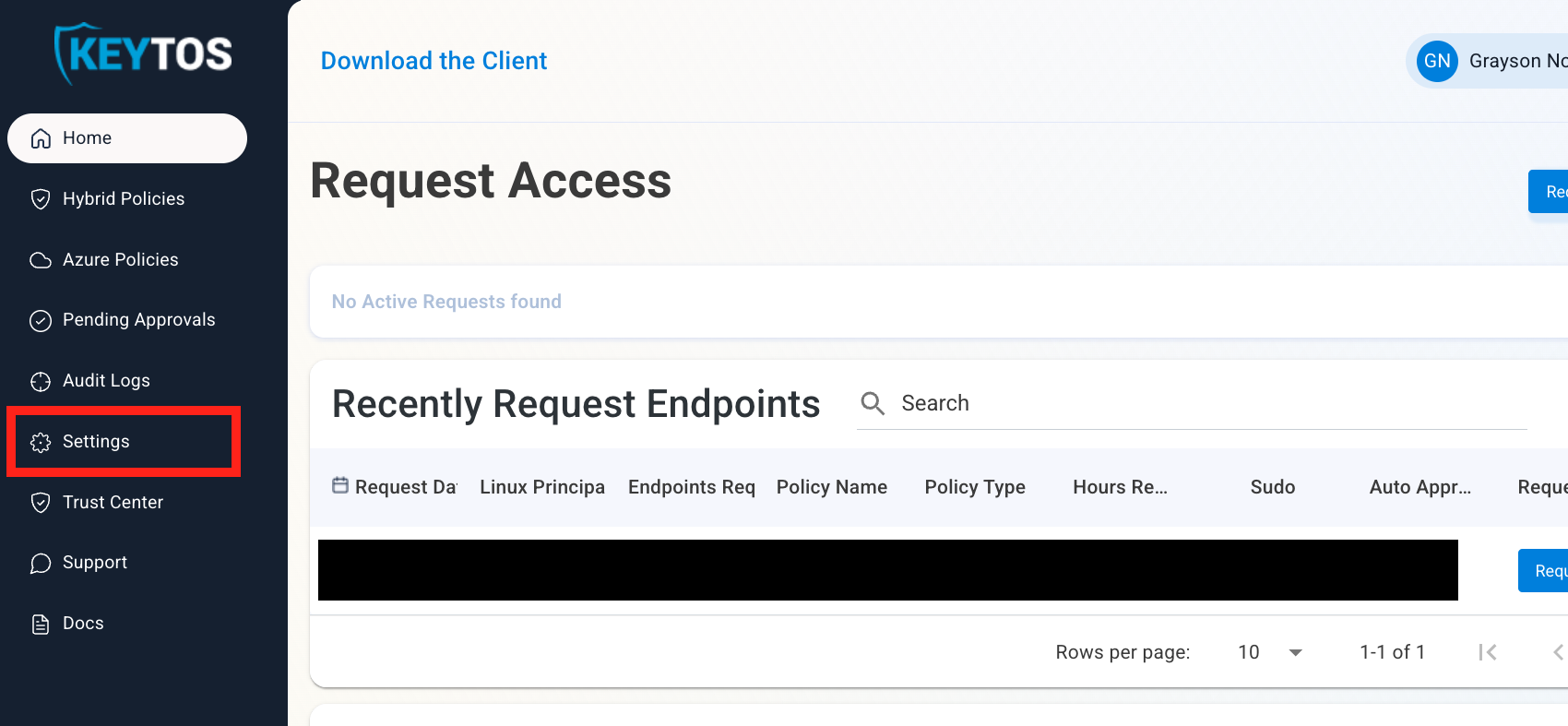
Click on Settings.
-
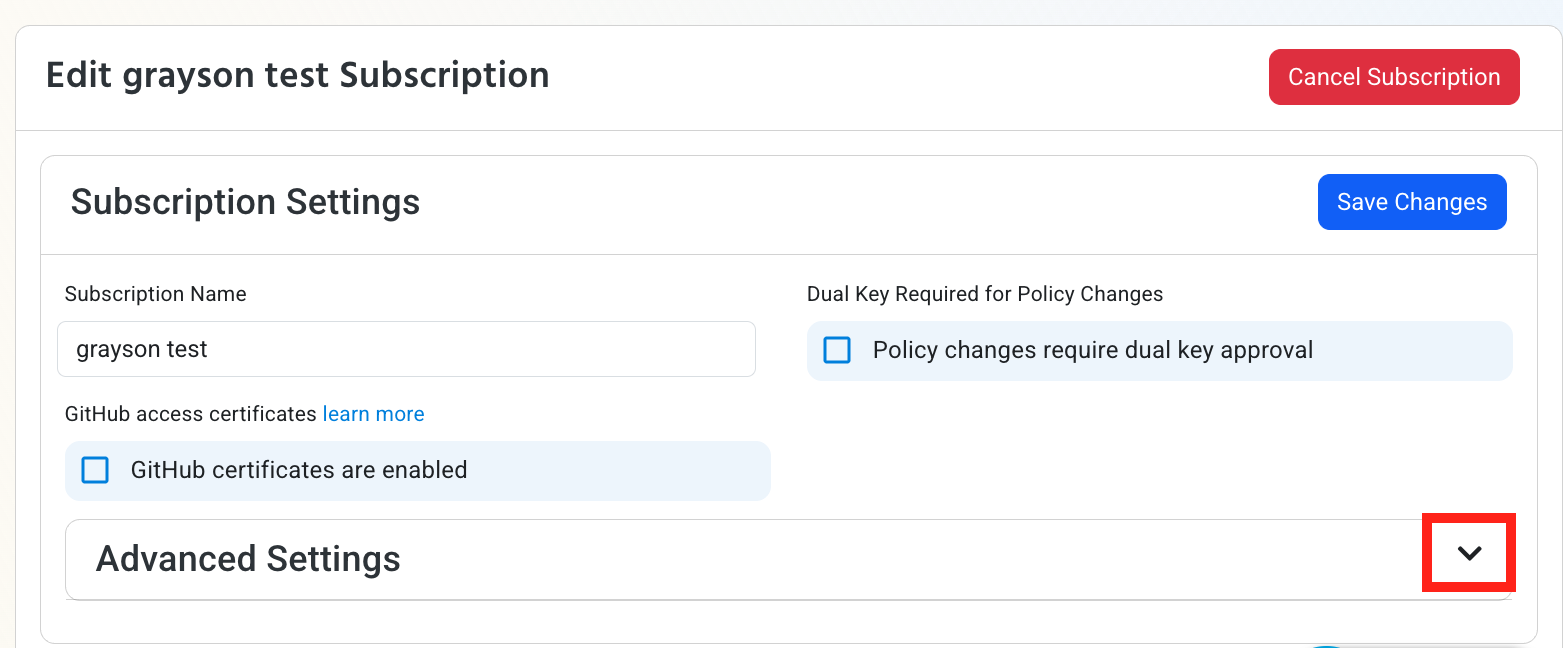
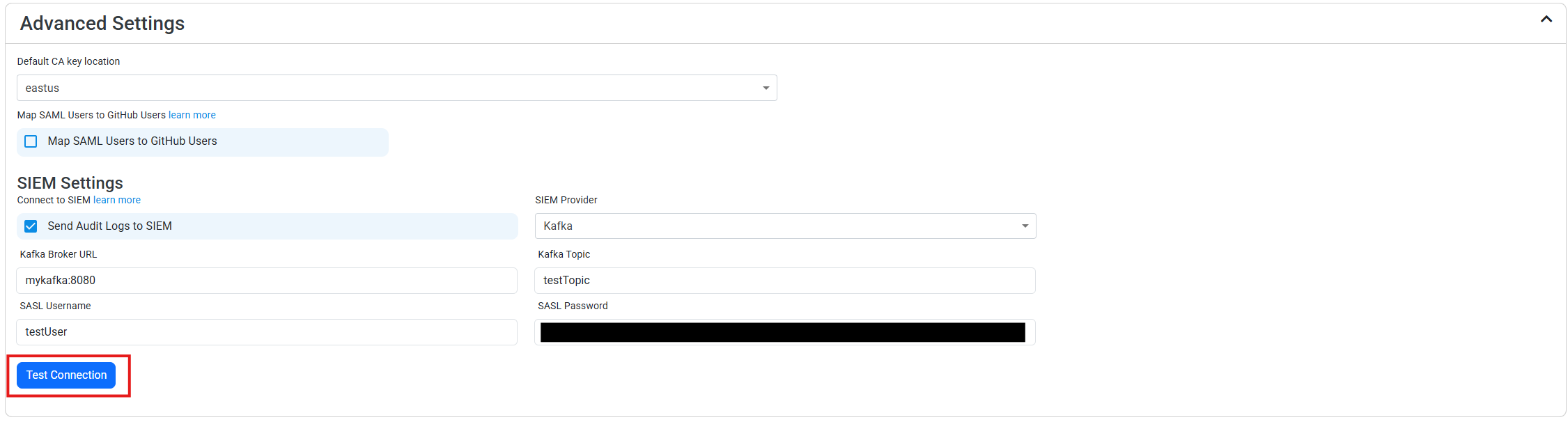
Expand your subscription’s Advanced Settings.
-
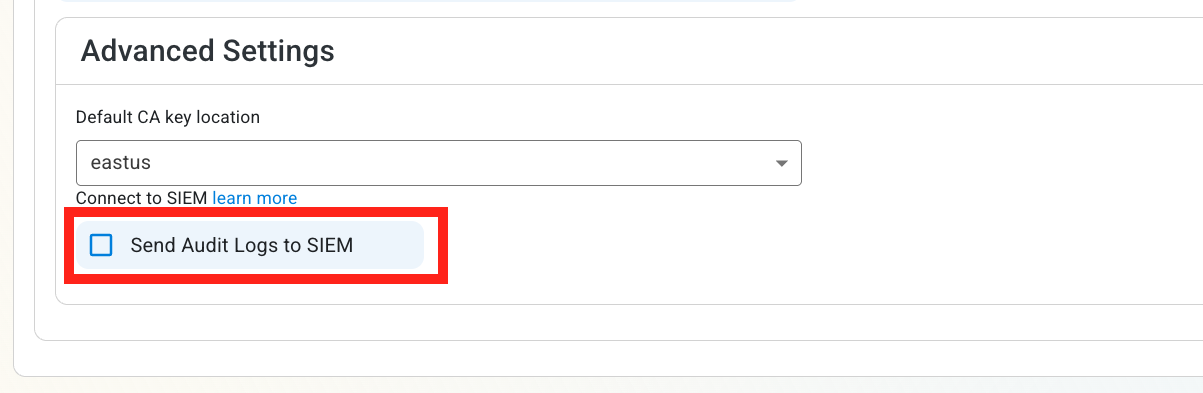
Enable the Send Audit Logs to SIEM option.
How To Configure the Kafka Exporter in the Kafka Portal
-
Open your Kafka instance in another window.
-
Identify your Kafka topic name and note it down.
-
Verify authentication support:
Ensure your Kafka server supports Plaintext SASL Authentication. -
Gather credentials:
Note the SASL username and password required for authentication.
How To Configure the Kafka SIEM in EZSSH Portal
-
Now go back to the EZSSH Portal.
-
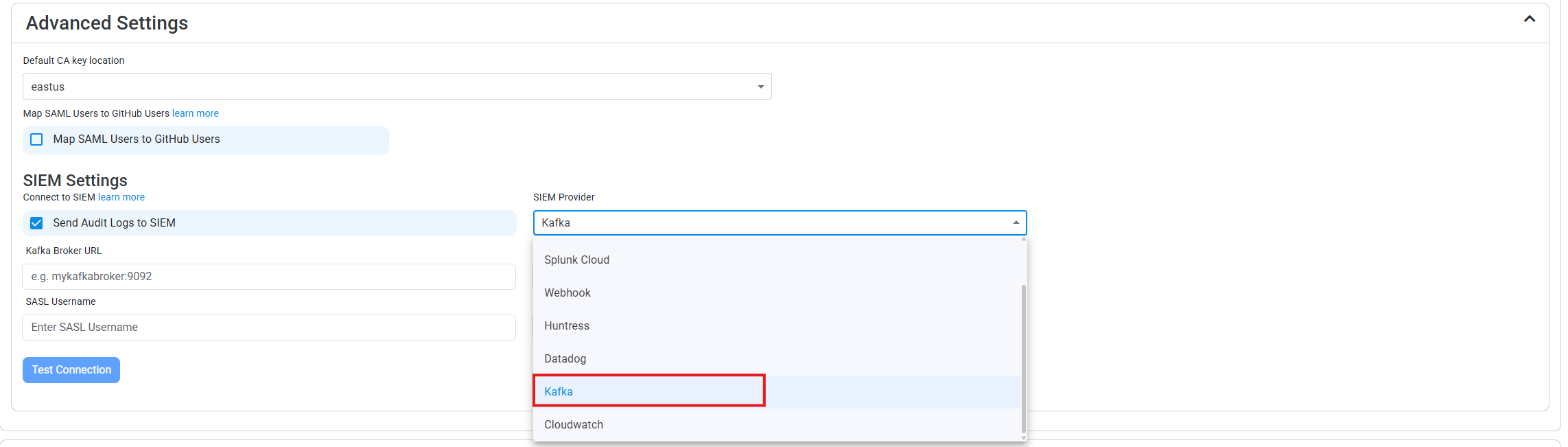
Select Kafka as the SIEM Provider.
-
Input the values that you copied from the Kafka portal. Then, click Test Connection. This will create a test log in your Kafka SIEM (please allow a few minutes for the log to show up in the Kafka portal).
-
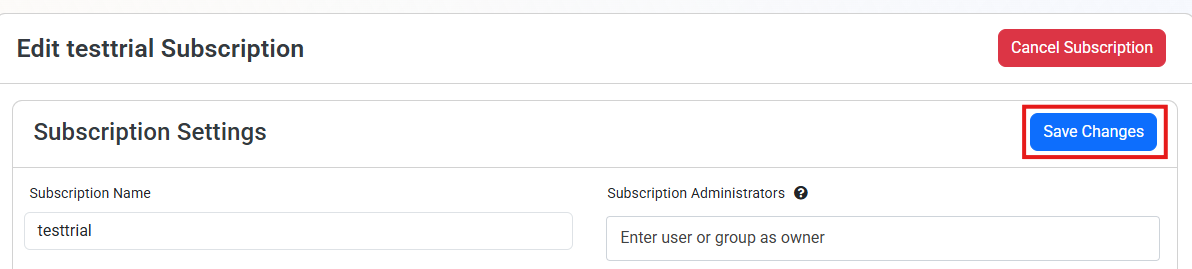
If the connection test is successful, click Save Changes.
-
EZSSH will now send your security alerts to your SIEM. If an error occurs it will email your subscription administrators. See below to see the different events EZSSH will send.