













How To Distribute Shield Network Profiles to Your Devices via Keytos Connect
Overview - Set Up Keytos Connect for Your Workplace or School BYOD Wi-Fi
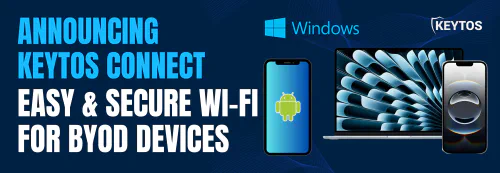
Keytos Connect is a mobile and desktop application that allows users to easily connect to their workplace or school Wi-Fi network on their personal devices. If your workplace or school allows personal and bring-your-own-devices (BYOD) to connect to their Wi-Fi network, Keytos Connect simplifies the process and makes it as easy as just a few clicks to get connected, without the need for IT to manually configure each device via MDM or other device management solution.
Learn more about Keytos Connect in our Keytos Connect User Guide.
Learn About Keytos ConnectHow to Enable Keytos Connect for Your Wi-Fi Network
Refer to the Wi-Fi networks page for instructions on how to enable Keytos Connect for your Wi-Fi network.
How to Distribute Network Profiles to Unmanaged BYOD and Personal Devices with Keytos Connect - Step-By-Step Guide
Follow these steps to distribute network profiles to your unmanaged BYOD and personal devices using Keytos Connect:
Step 1 - How to Register the Keytos Connect Application in Entra ID
Before you can set up Keytos Connect for your BYOD Wi-Fi, you need to register the Keytos Connect application in Entra ID. This allows your users to sign into the Keytos Connect app using their Entra ID credentials, and it allows you to optionally set up conditional access policies for enhanced security if desired.
Visit this link to grant admin consent for the Keytos Connect application in your Entra ID tenant. Make sure to sign in with your Global Administrator account.
Register Keytos Connect Application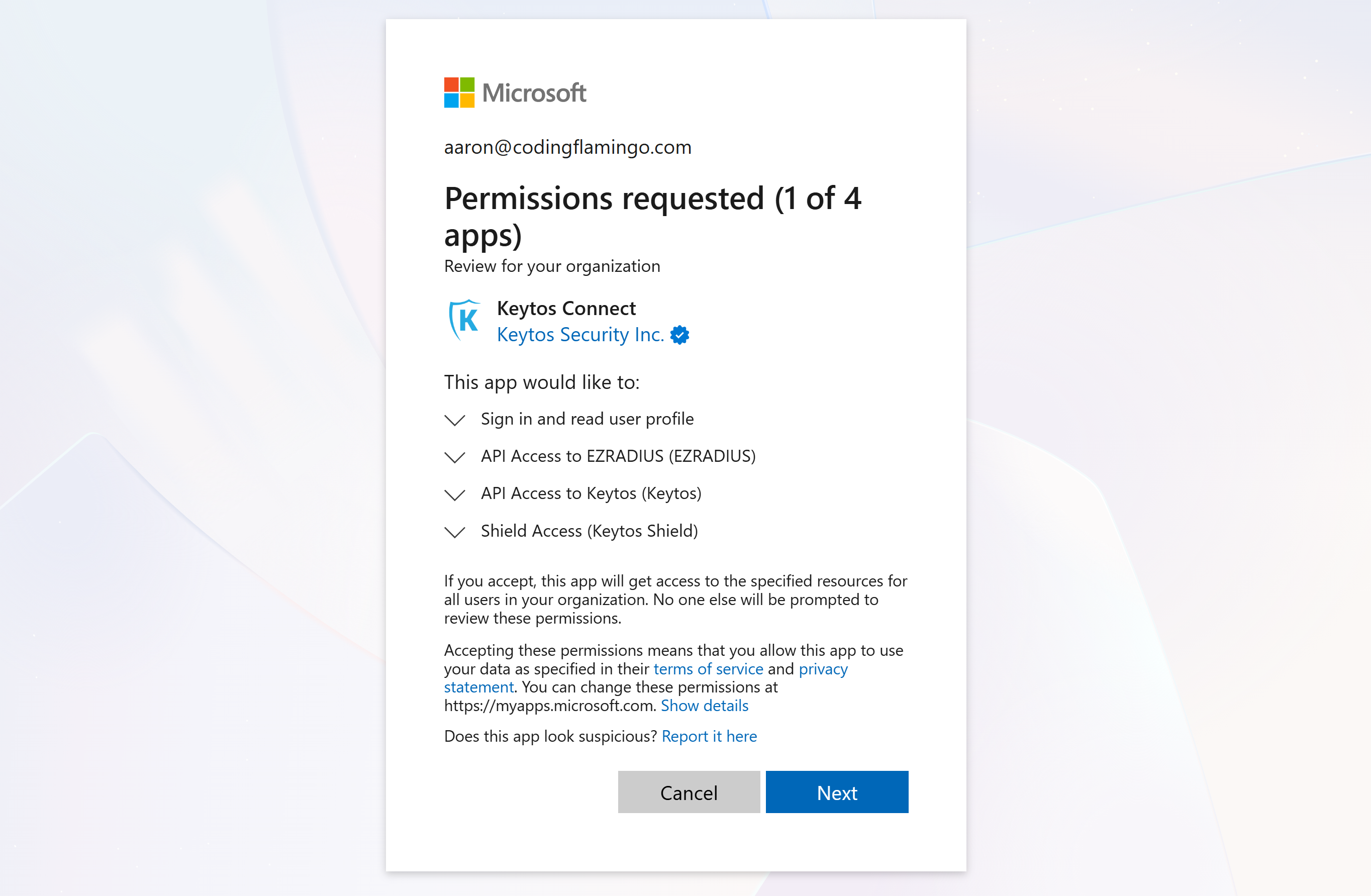
Step 2 - How to Get Your Keytos Connect Distribution URL
While your users can just visit their OS’ app store to download Keytos Connect, it is often more convenient to provide them with a direct distribution URL. This URL allows users to quickly access the appropriate version of Keytos Connect for their device. To get your distribution URL, follow these steps:
- Log in to your Keytos Shield portal
- Navigate to the Wi-Fi networks page
- Under Keytos Connect > Share a self-service link, copy the distribution URL provided.
- Share the copied distribution URL with your users so they can quickly download and install Keytos Connect on their devices.
Step 3 - How to Install Keytos Connect on Your Device
Now that you have the distribution URL, you can proceed to install Keytos Connect on your device. Follow these steps:
-
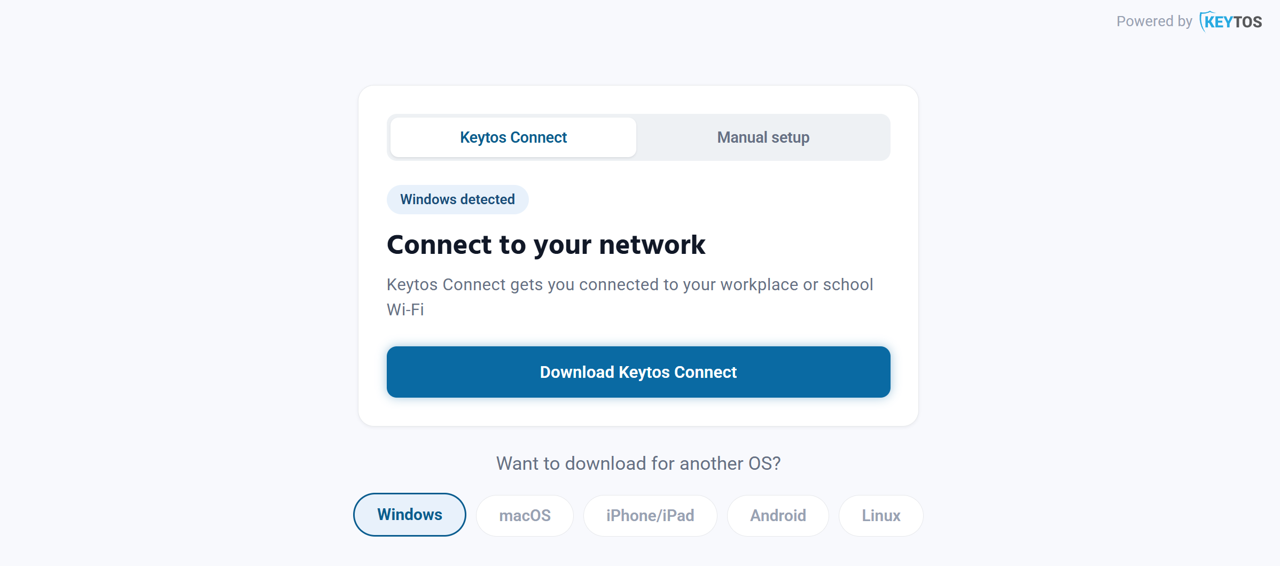
Open the distribution URL on your device. It will automatically select the appropriate version of Keytos Connect for your operating system.
-
Click Download Keytos Connect or click the app store link for your OS, depending on your device.
-
Follow the on-screen instructions to complete the installation of Keytos Connect on your device.
-
Once installed, launch the application and connect your device to your network.
For OS-specific guides and additional information, visit the Keytos Connect documentation.