












Connect to Work or School Wi-Fi with Keytos Connect
Learn how to install your workplace or school Wi-Fi profiles with Keytos Connect on Windows, macOS, Linux, iOS, iPadOS, or Android, and connect without a shared Wi-Fi password.
Overview - How Does Keytos Connect Set Up My Wi-Fi?
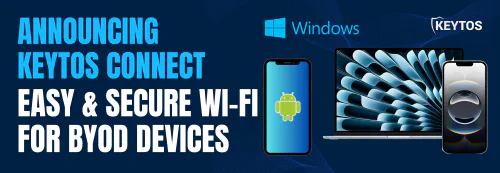
If your workplace or school lets personal or bring-your-own devices (BYOD) join its Wi-Fi network, Keytos Connect sets up your device for you. It installs your organization’s Wi-Fi profiles and the certificates your device needs to connect securely, so you don’t need a shared Wi-Fi password or any manual configuration.
Before you start, install Keytos Connect and sign in with your work or school account. Then follow the guide for your device:
| My device runs… | Guide |
|---|---|
| Windows | Connect to Wi-Fi on Windows |
| macOS | Connect to Wi-Fi on macOS |
| Linux | Connect to Wi-Fi on Linux |
| iOS or iPadOS | Connect to Wi-Fi on iOS and iPadOS |
| Android | Connect to Wi-Fi on Android |